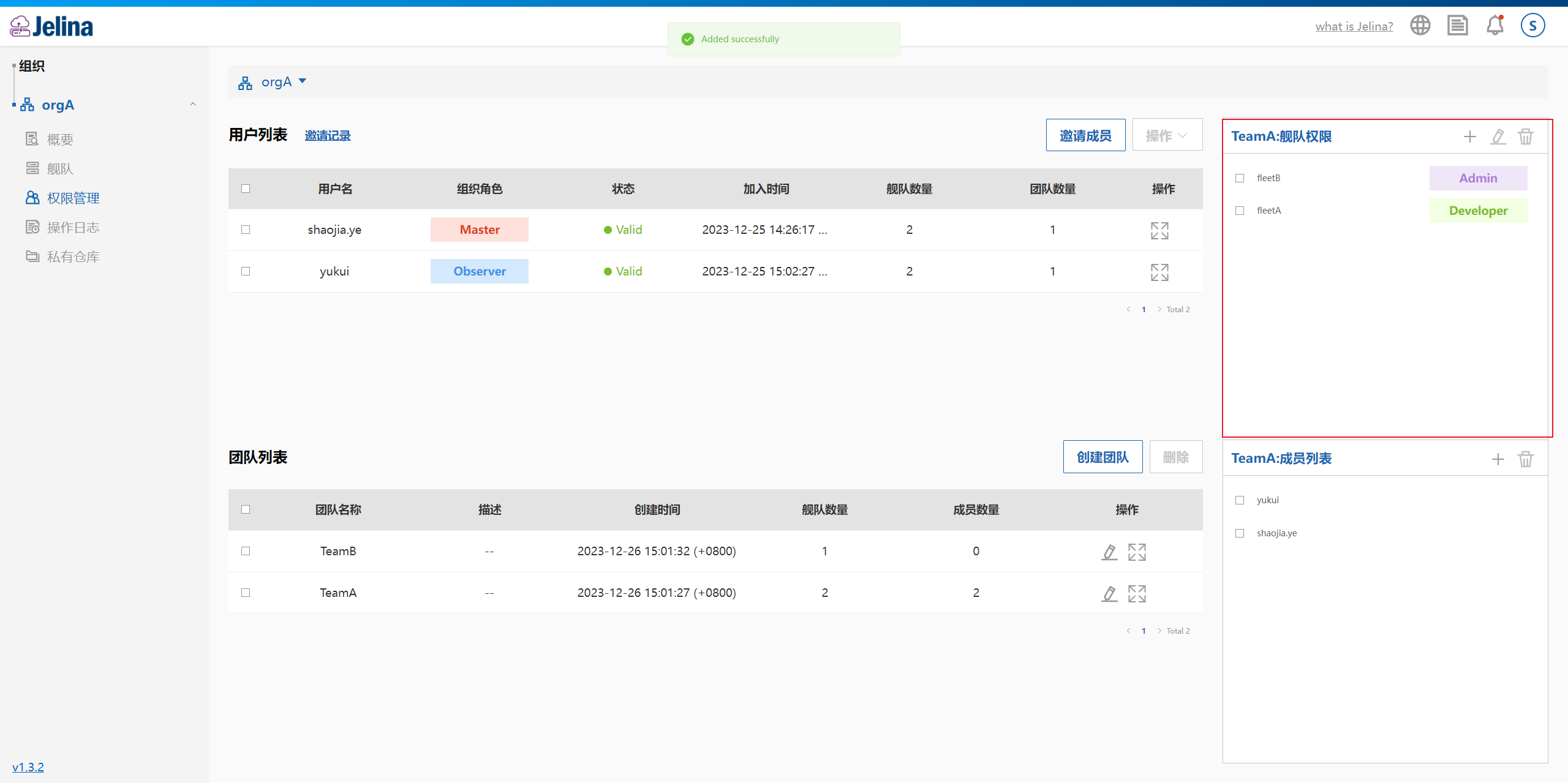
Team management
An organization may have a group of people responsible for the same business area, with identical access to one or more fleets. Assigning or modifying each person’s permissions separately is cumbersome. Teams therefore provide a way to assign permissions between a group of organization members and multiple fleets.
Team members must first join the organization. See organization and member management for invitations and member permission management for individual grants.
Create a team
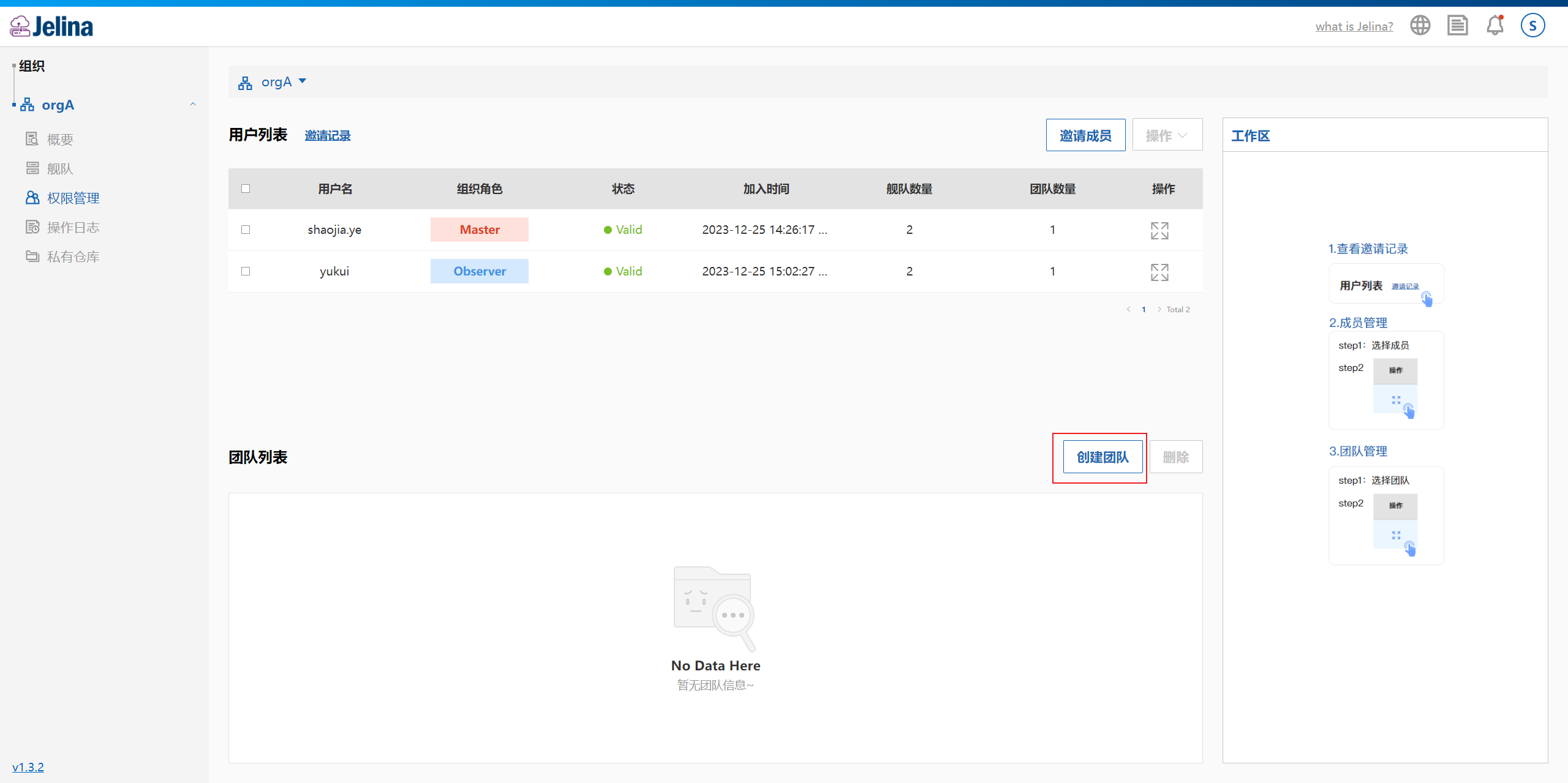
Section titled “Create a team”Open organization permission management and select Create team.
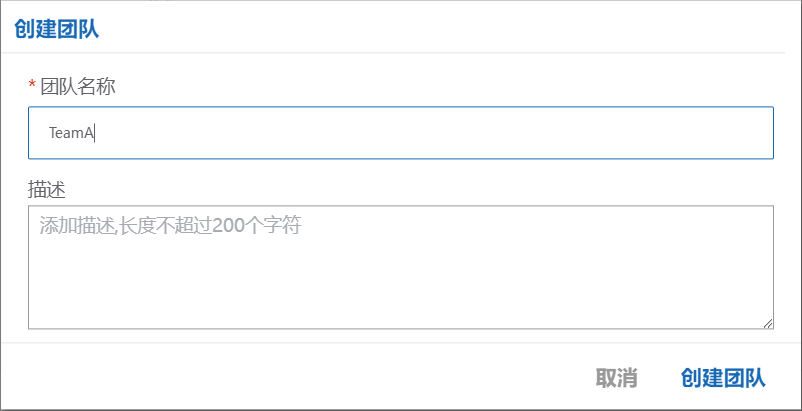
Enter a team name and optional description, then select Create.
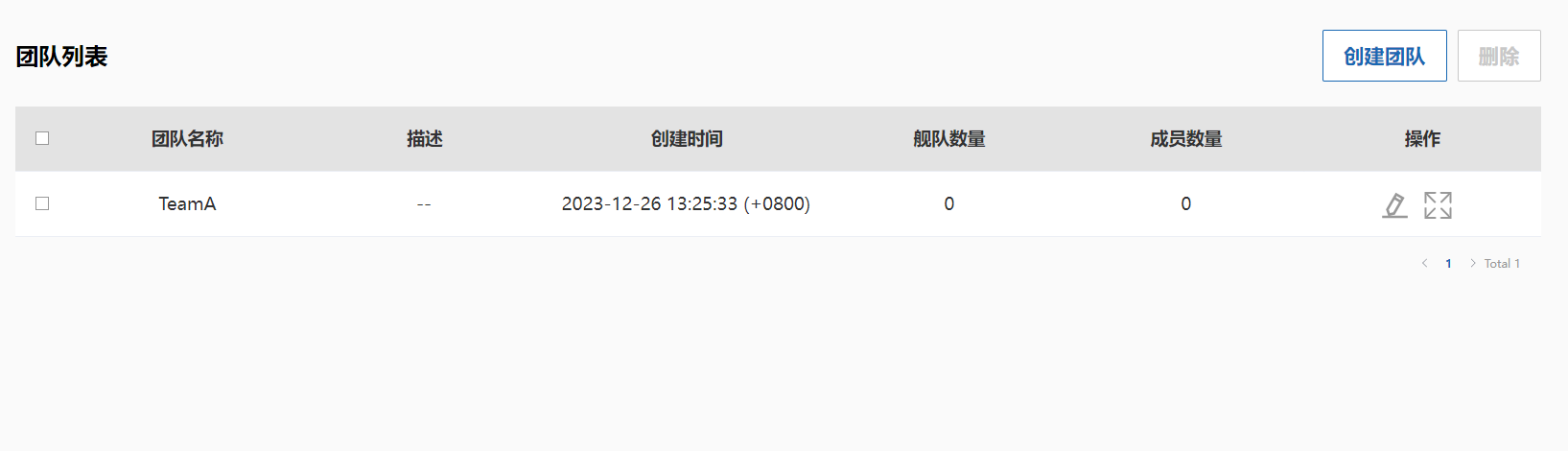
The new team appears in the team list.
Team overview
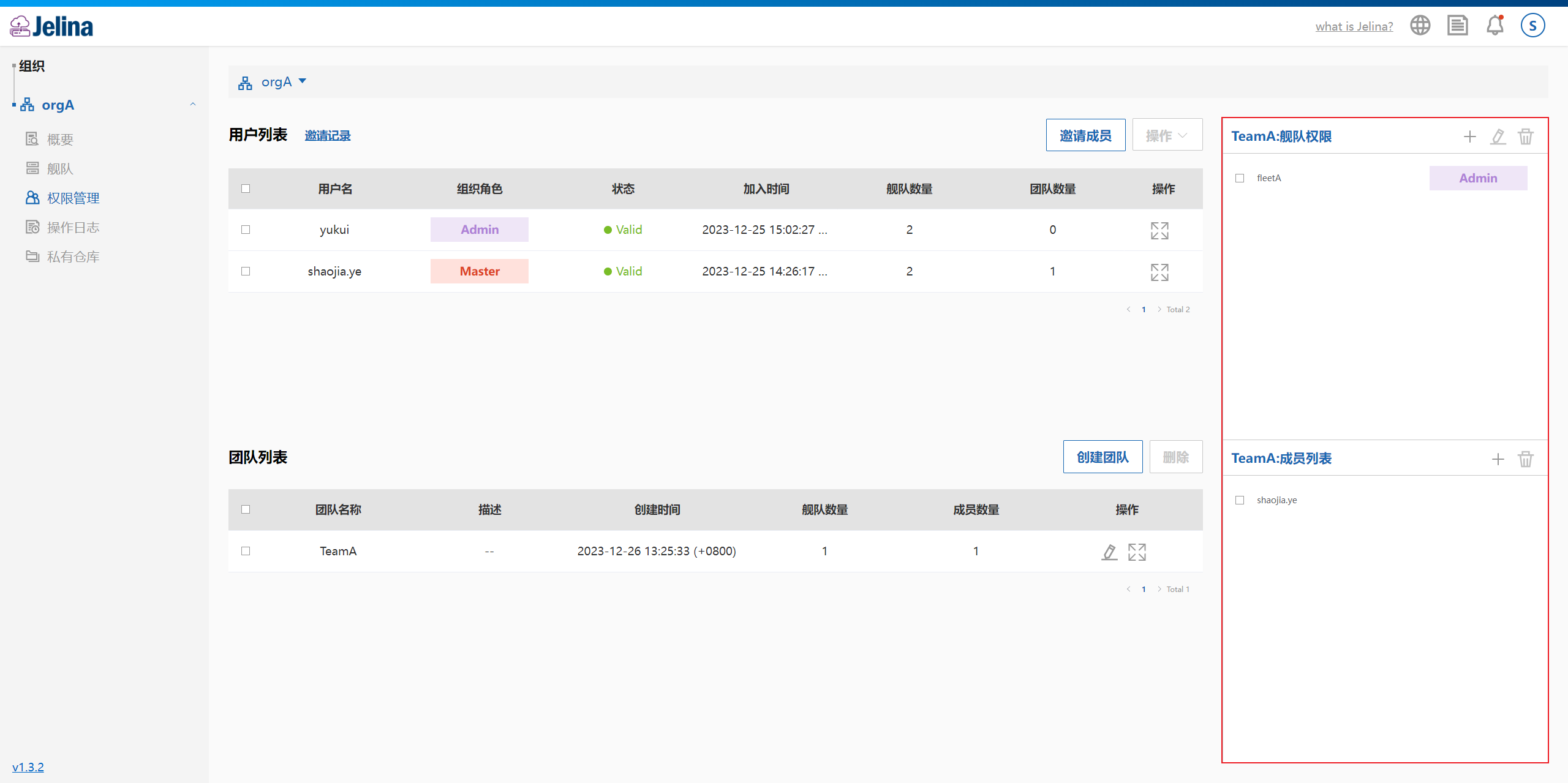
Section titled “Team overview”Open organization permission management → select a team → select the expand button on the right.
View the team’s fleet management permissions and members.
Add team members
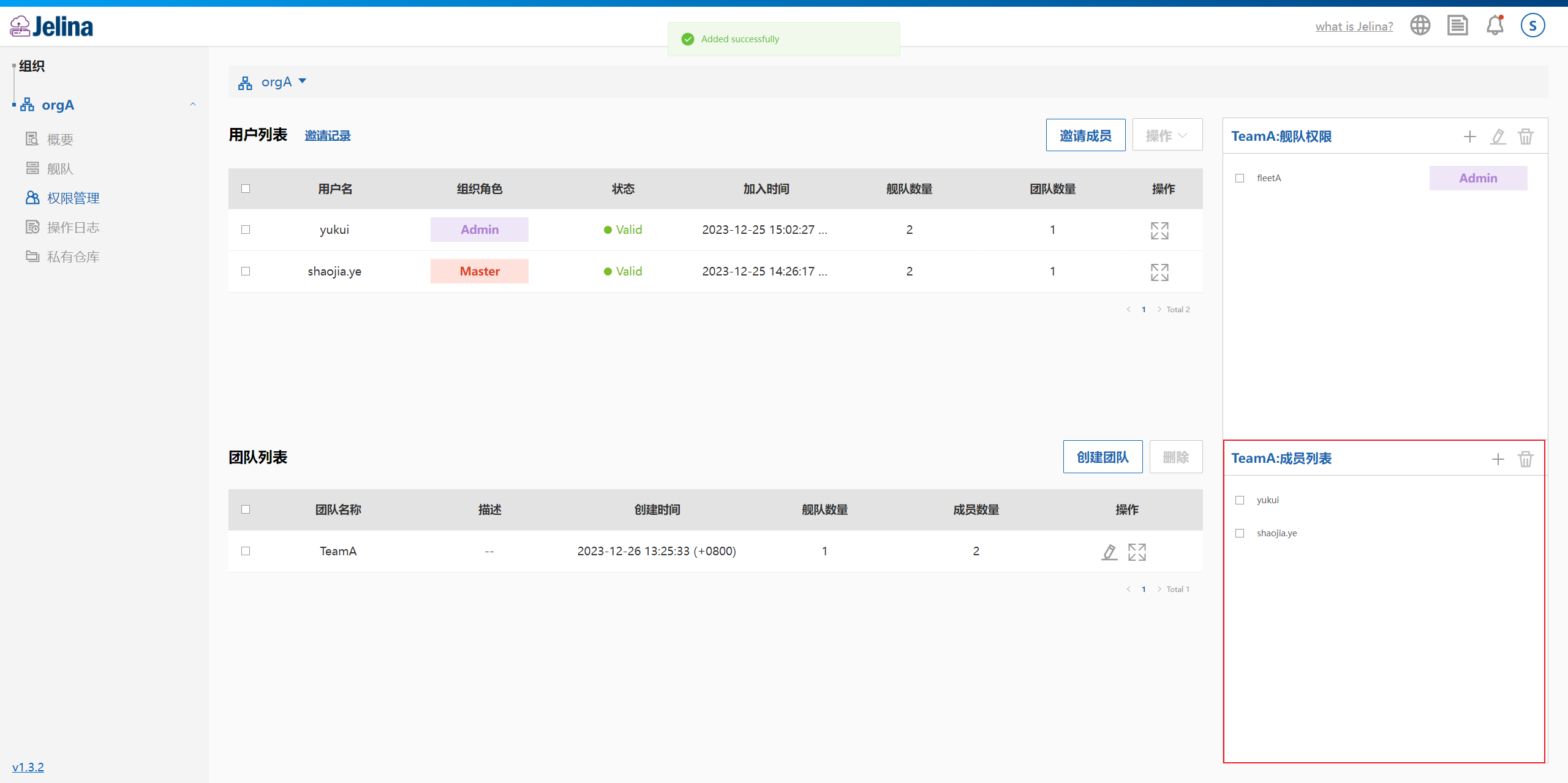
Section titled “Add team members”Select a team and expand its details. Add members in the team’s member list workspace.
Select +.
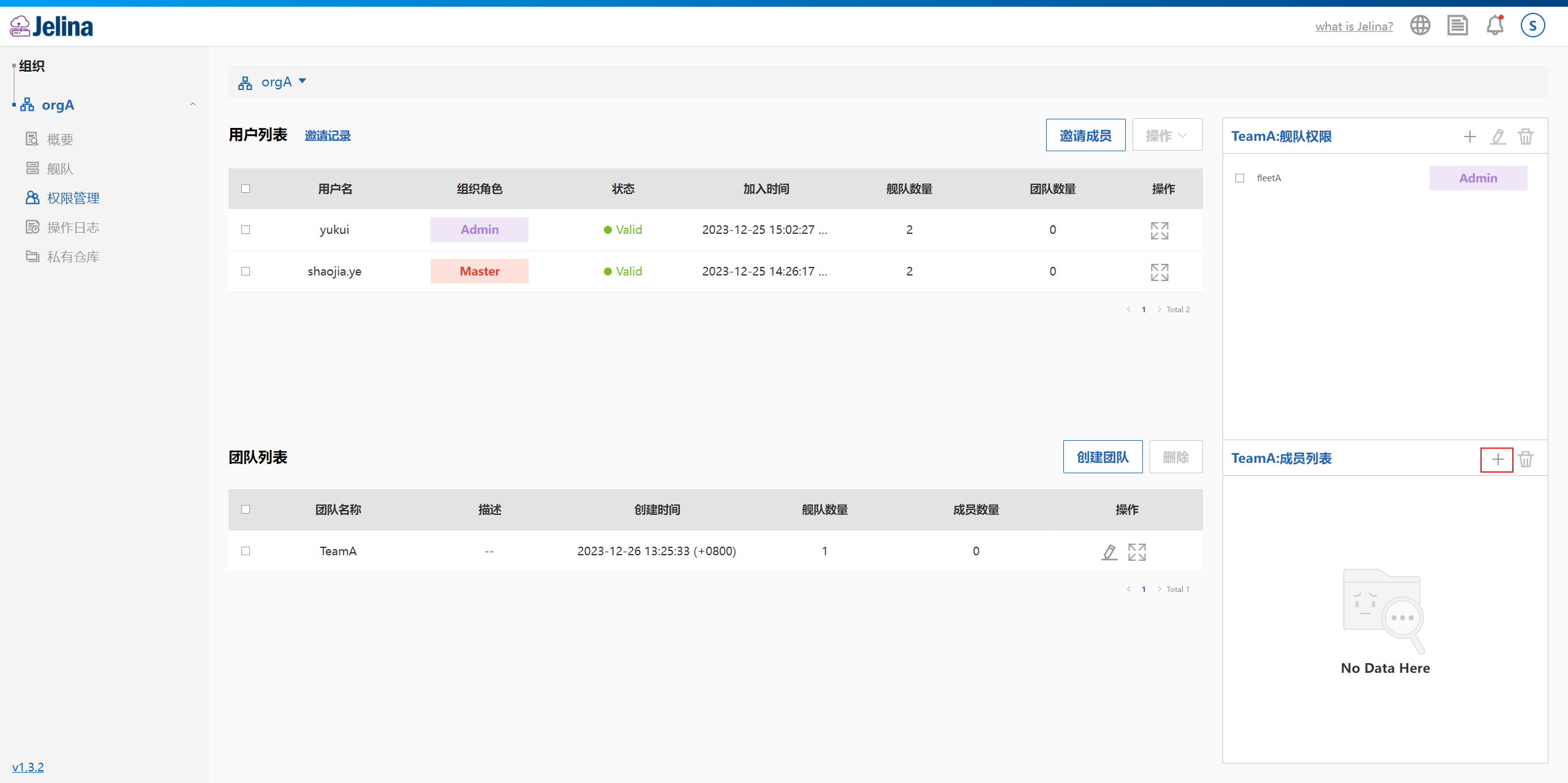
Select + to choose members to add.
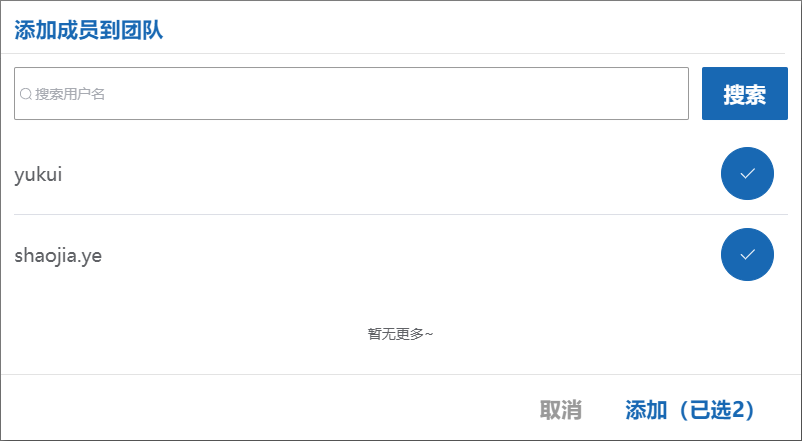
Select Add to add multiple members to the team.
Assign team fleet access roles
Section titled “Assign team fleet access roles”Once a team receives a fleet access role, all its members receive that role for the fleet.
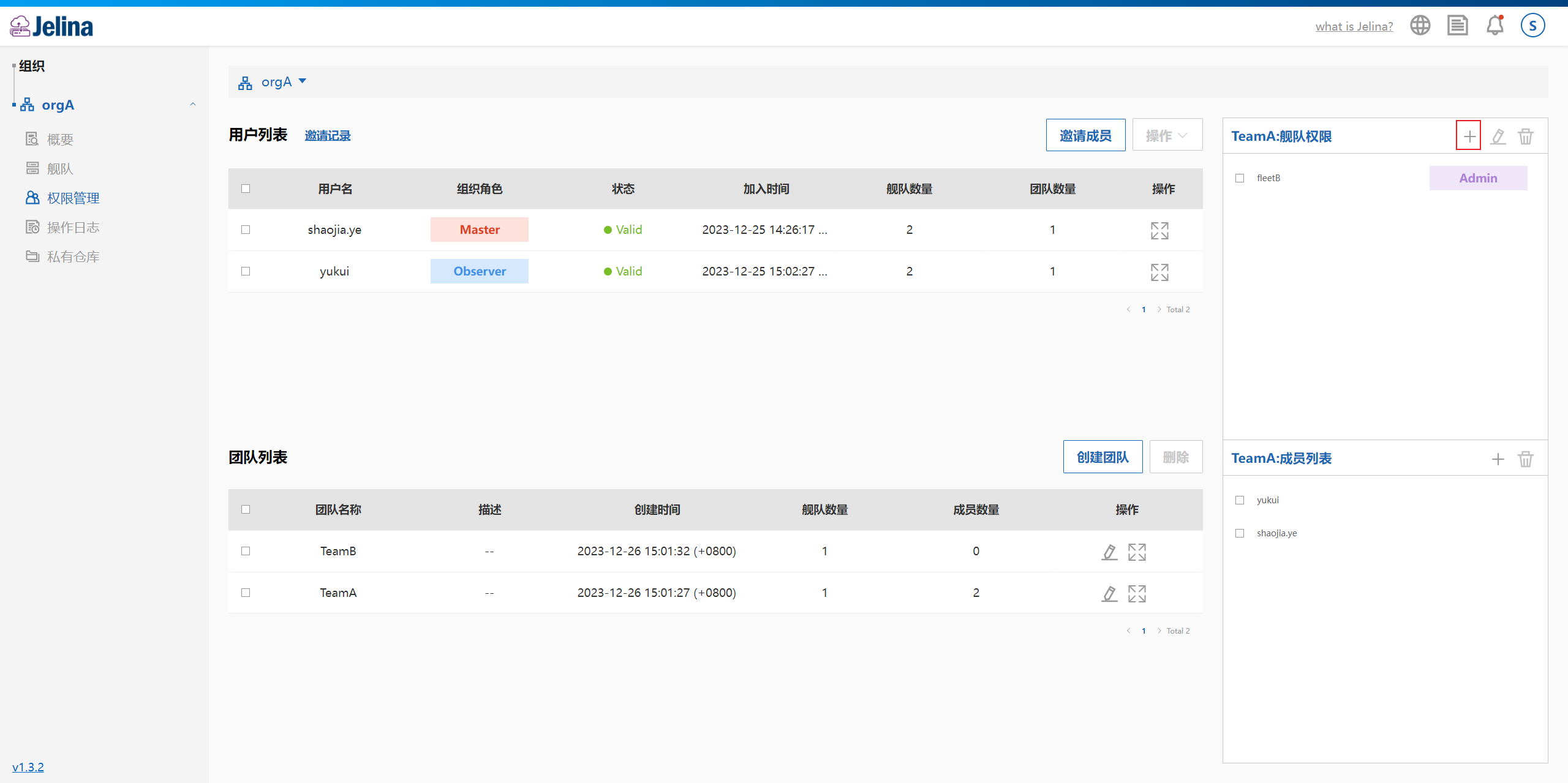
Select a team and expand its details. Add fleet access in the team’s fleet permissions workspace.
Select +.
Select + to choose a fleet, select an access role, and select Add.
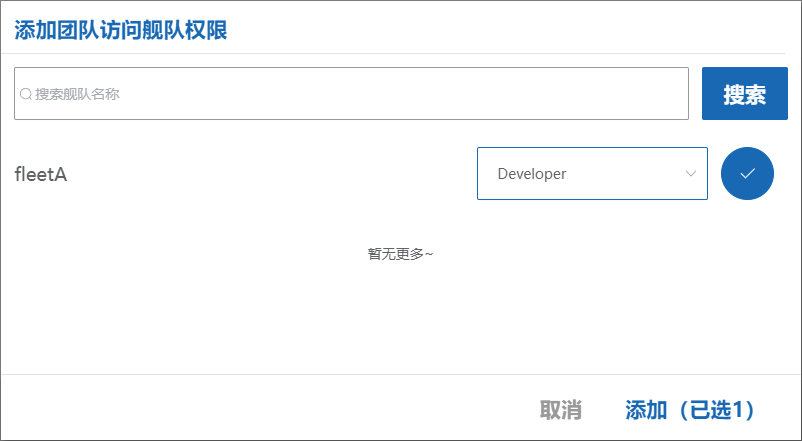
The added fleet appears in the team’s accessible fleet list.