Modbus Data Center
Modbus Data Center obtains data from two sources:
- Configured static data for other devices to acquire.
- Data linked from upstream nodes and exposed by the server for other devices to acquire.
1. Create a node
Section titled “1. Create a node”(1) Open CommBridge Digital Twin and switch to Device Connectivity.
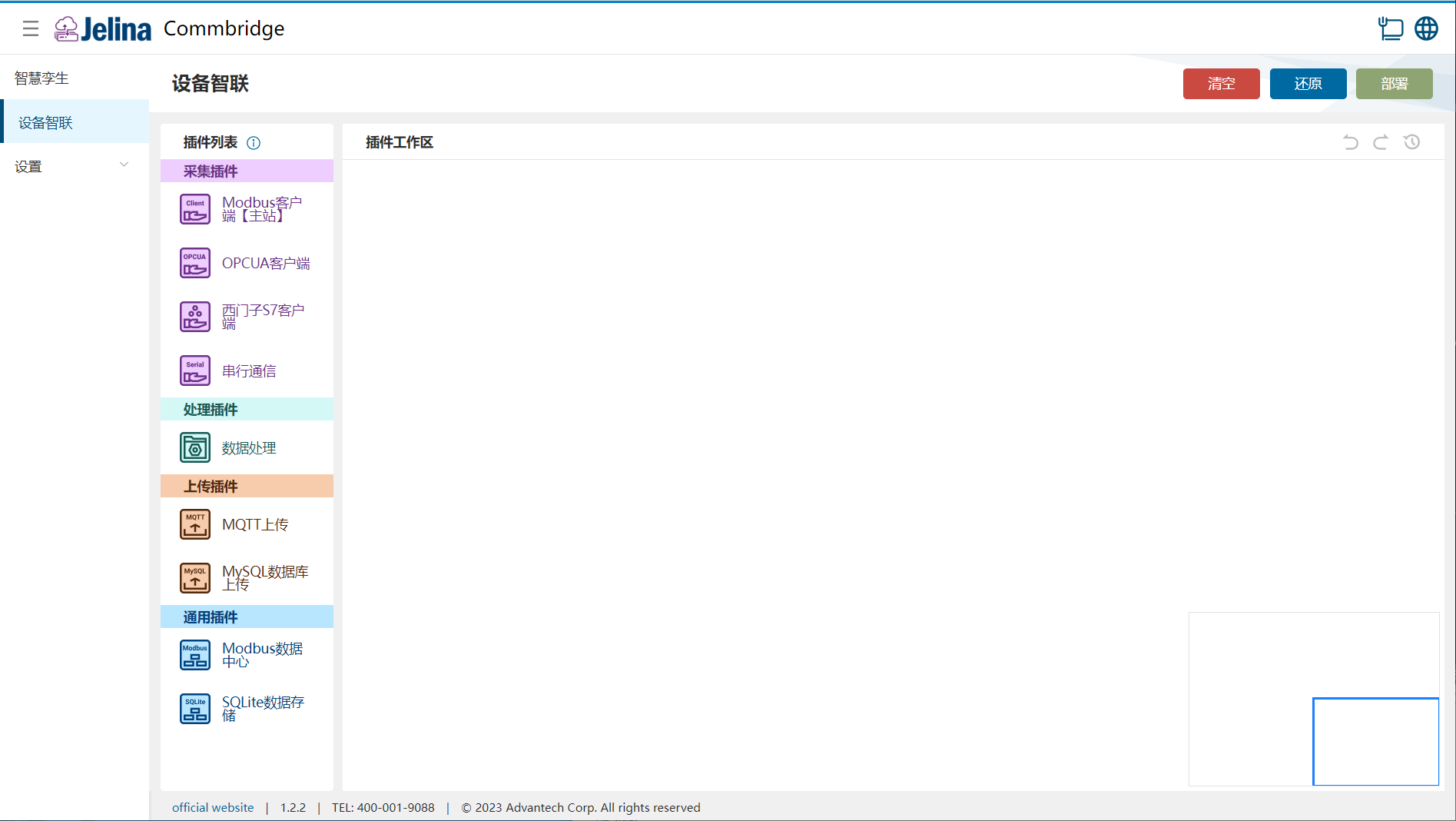
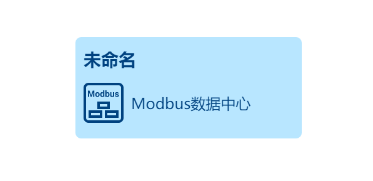
(2) Drag Modbus Data Center into the workspace to create a node.
2. Create a scheme
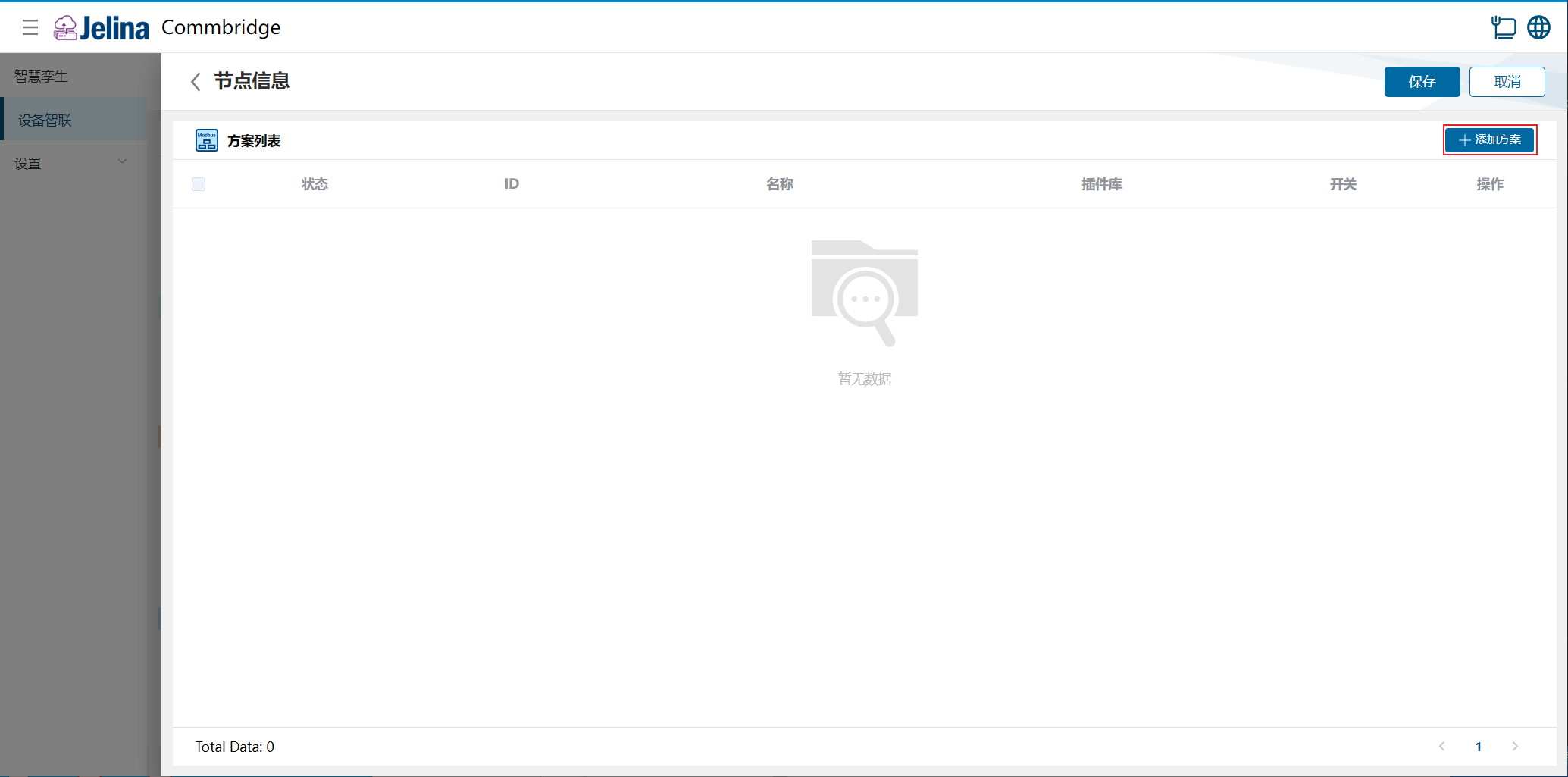
Section titled “2. Create a scheme”(1) Double-click Modbus Client (Master) and select Add scheme.
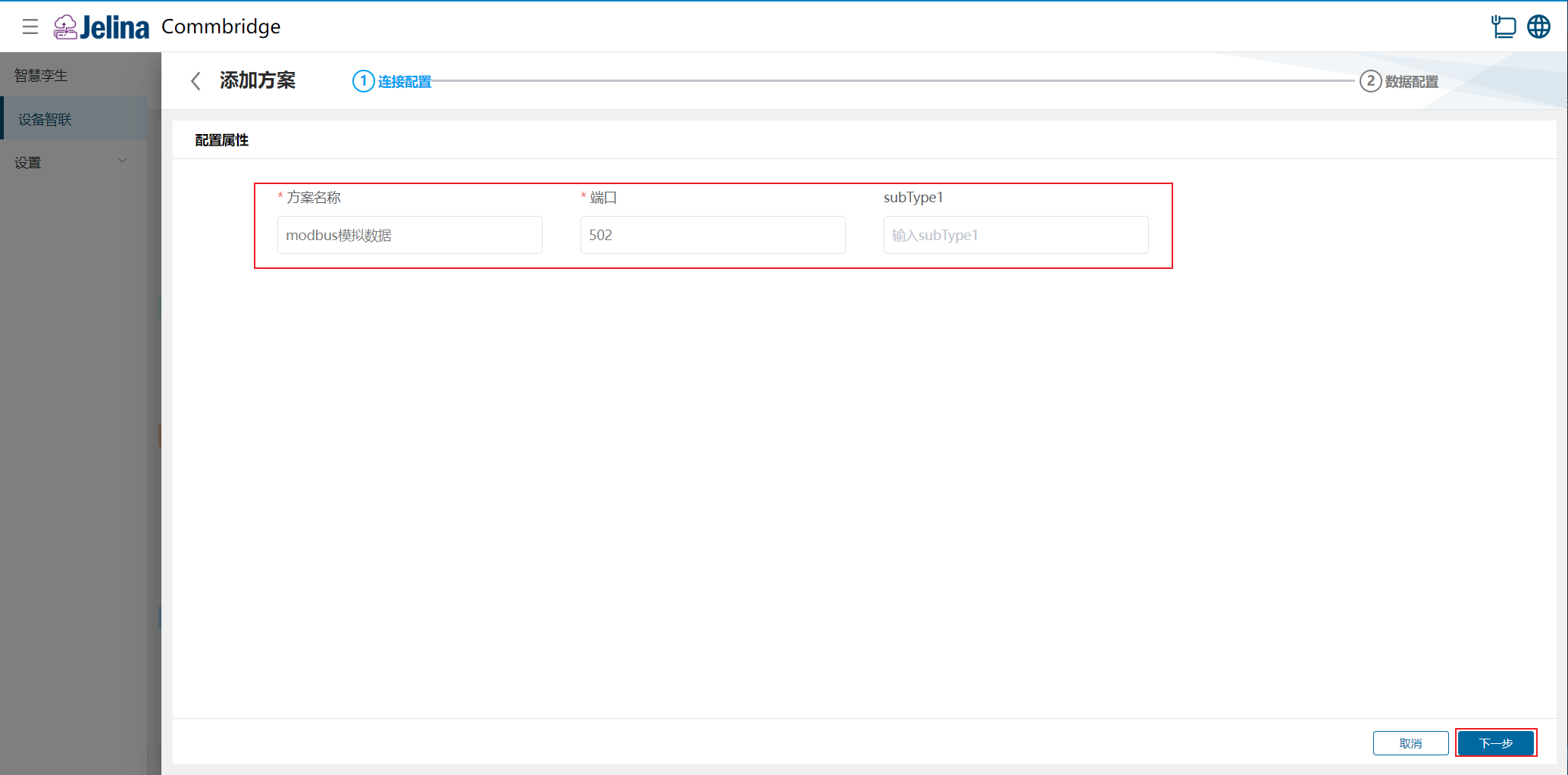
(2) Enter connection settings and select Next.
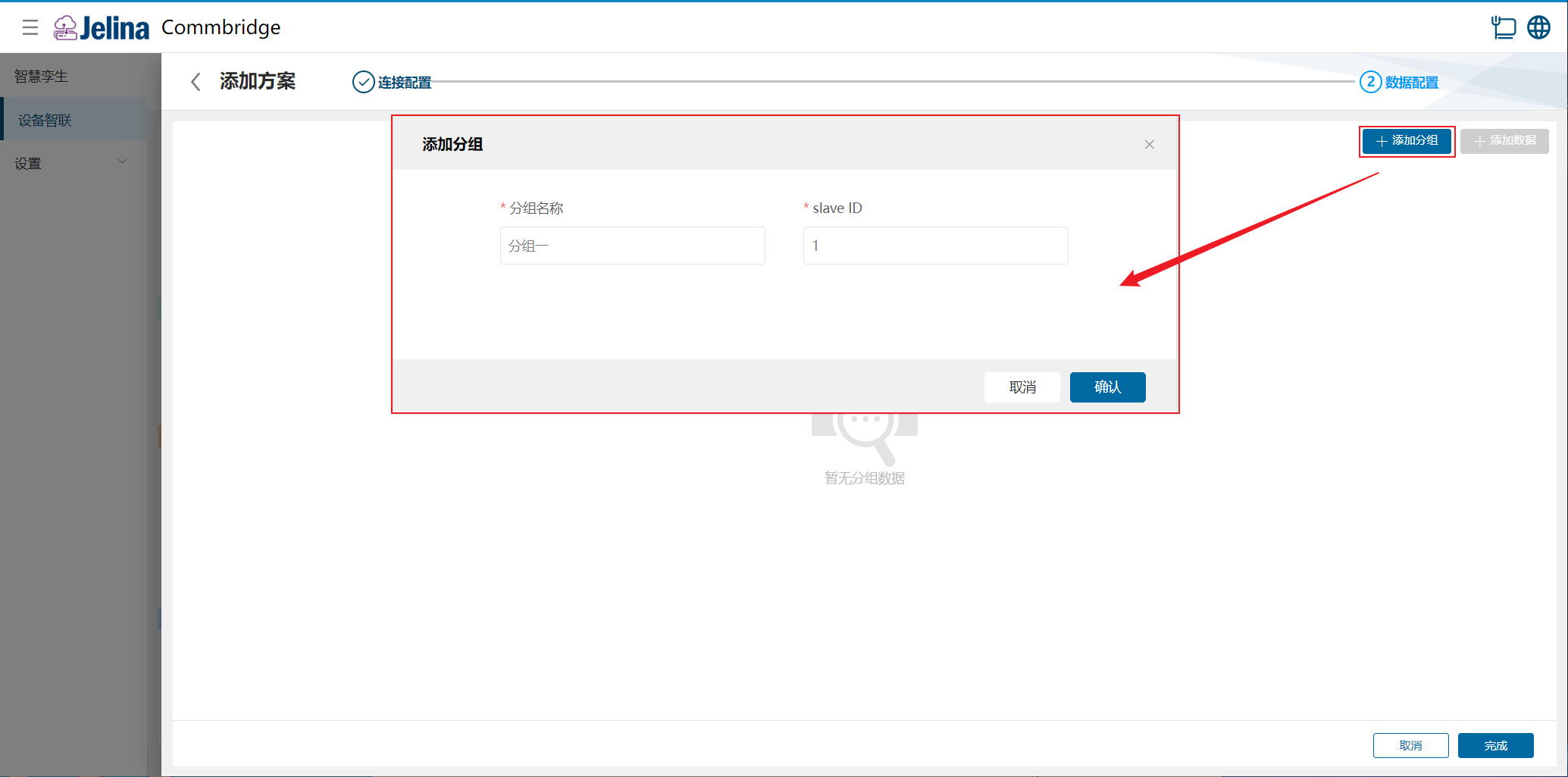
(3) Select Add group, enter group information, and confirm.
(4) Select Add data and enter point configuration.
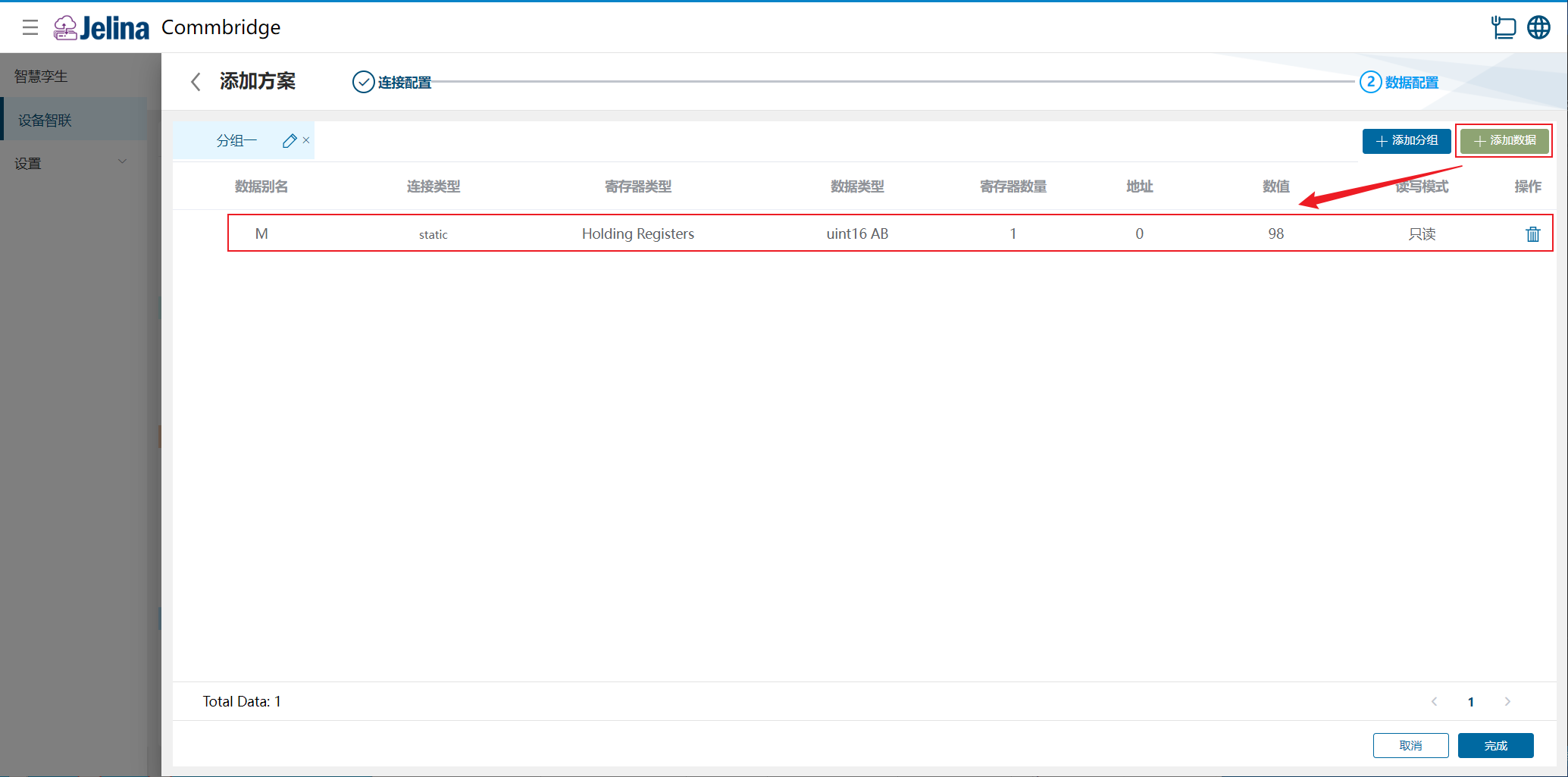
(5) Select Finish to add the data scheme.
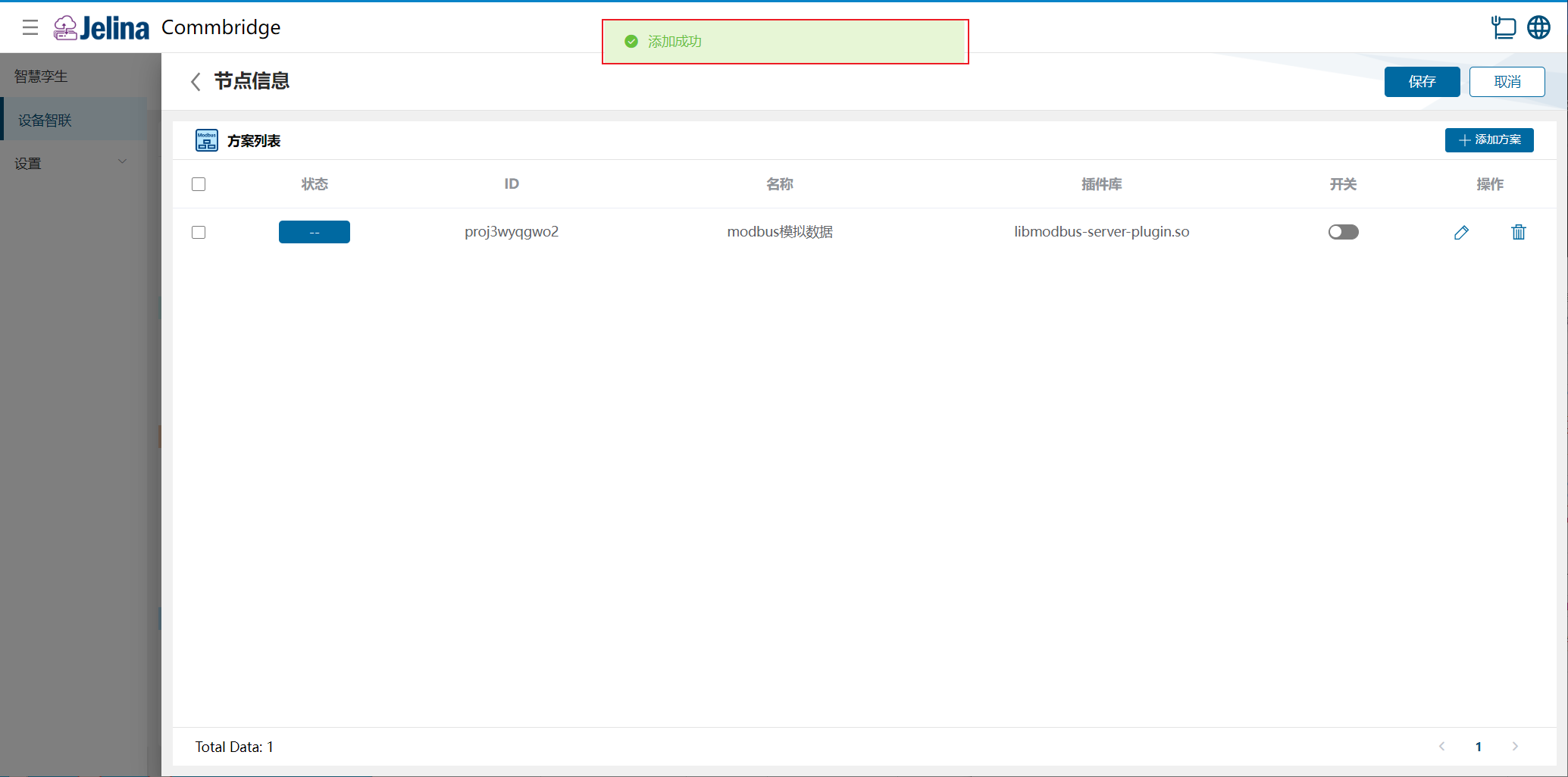
(6) Enable the scheme and select Save.
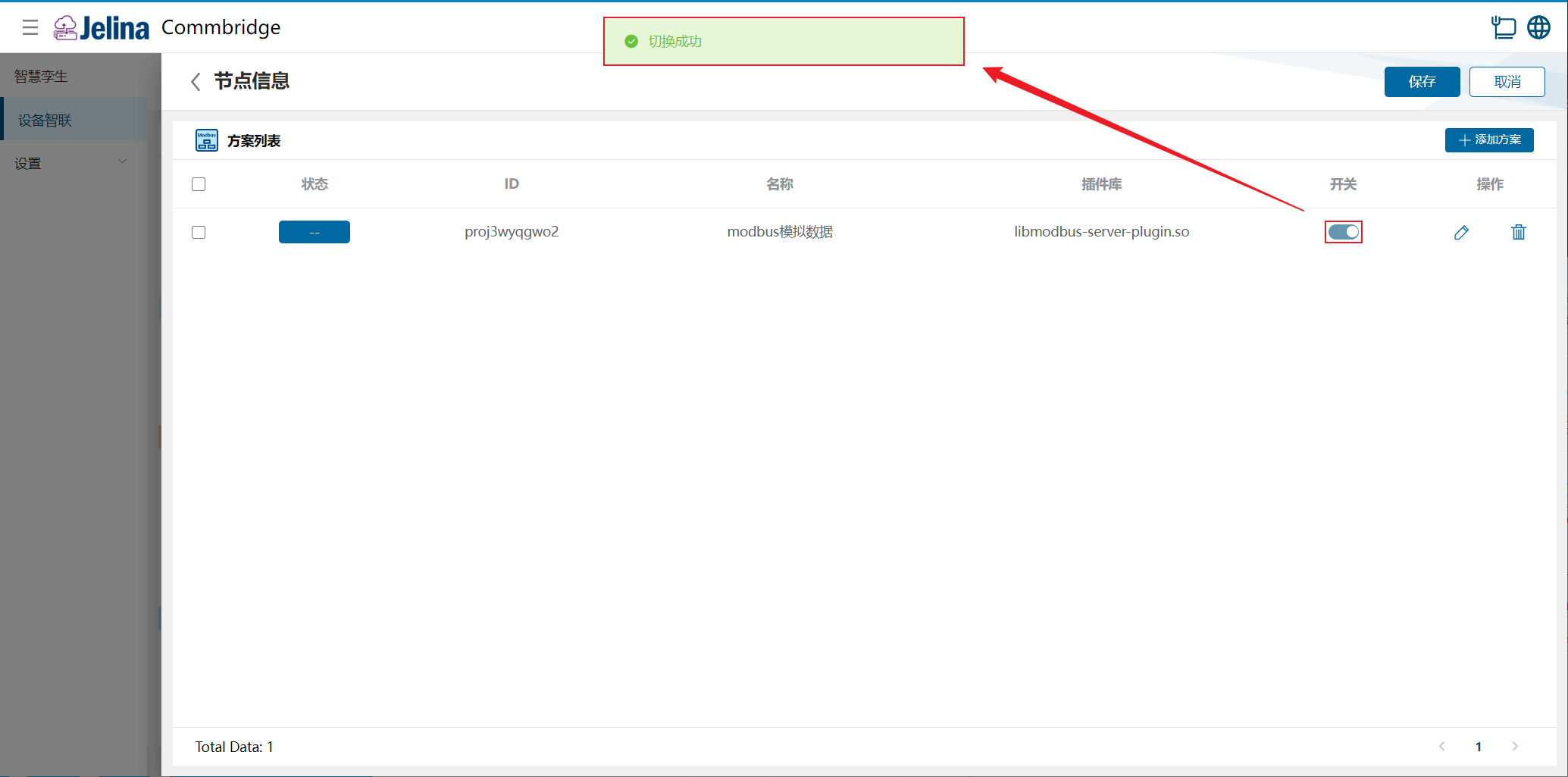
3. View results
Section titled “3. View results”(1) Select Deploy under Device Connectivity and wait for success.
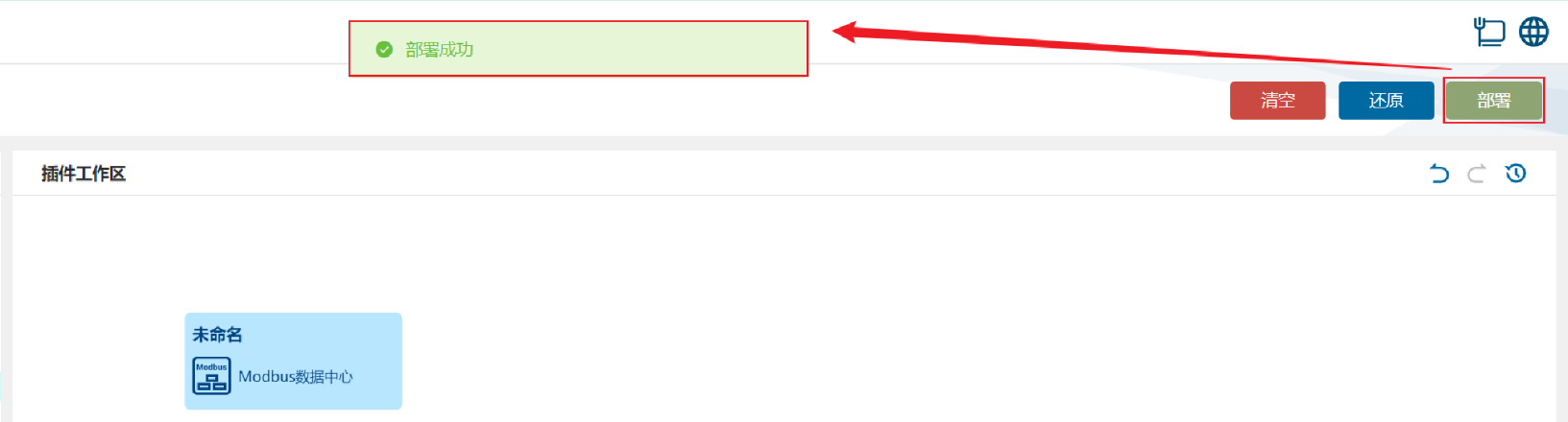
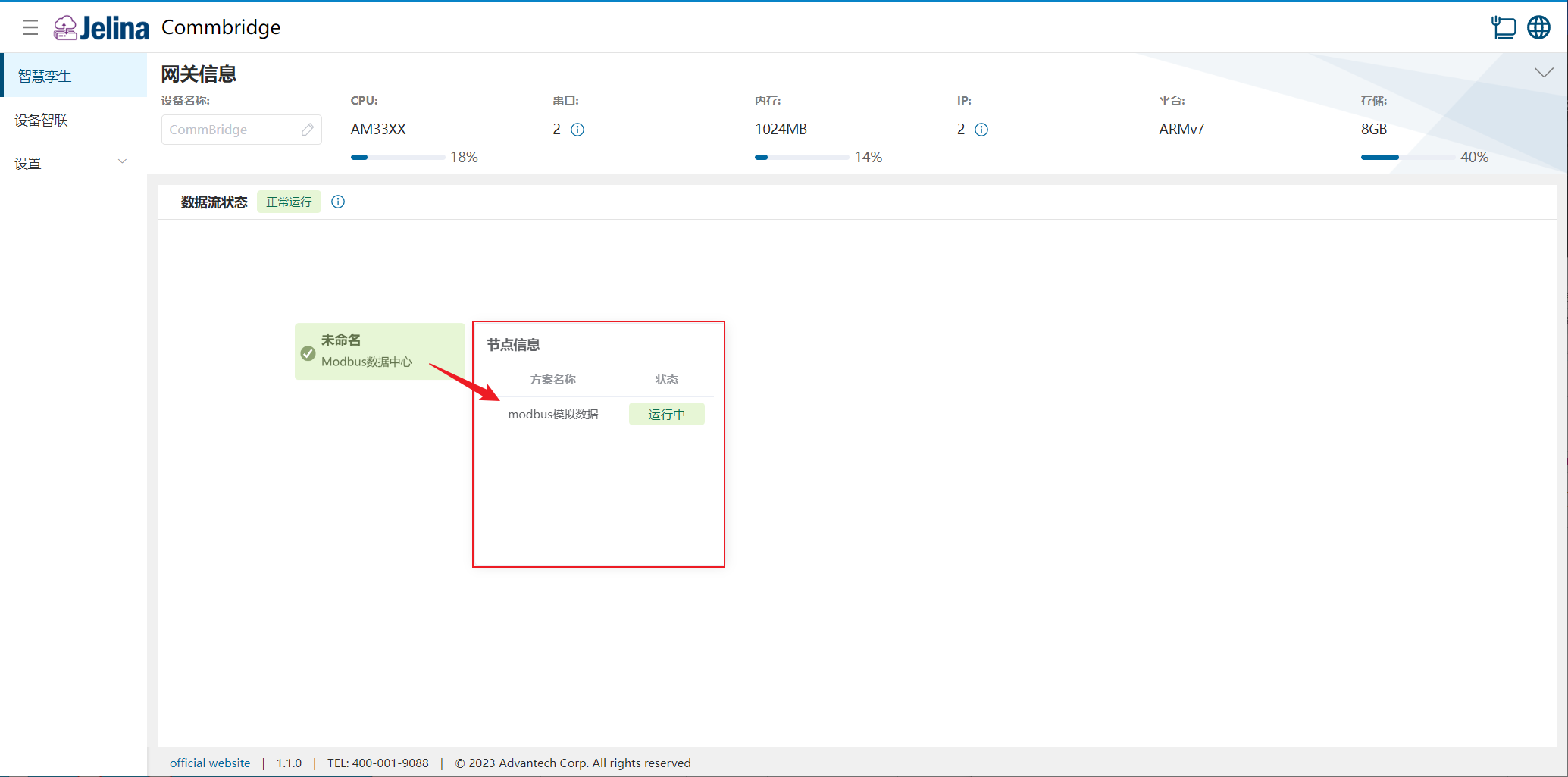
(2) Switch to Digital Twin and hover over Modbus Data Center to display node information.
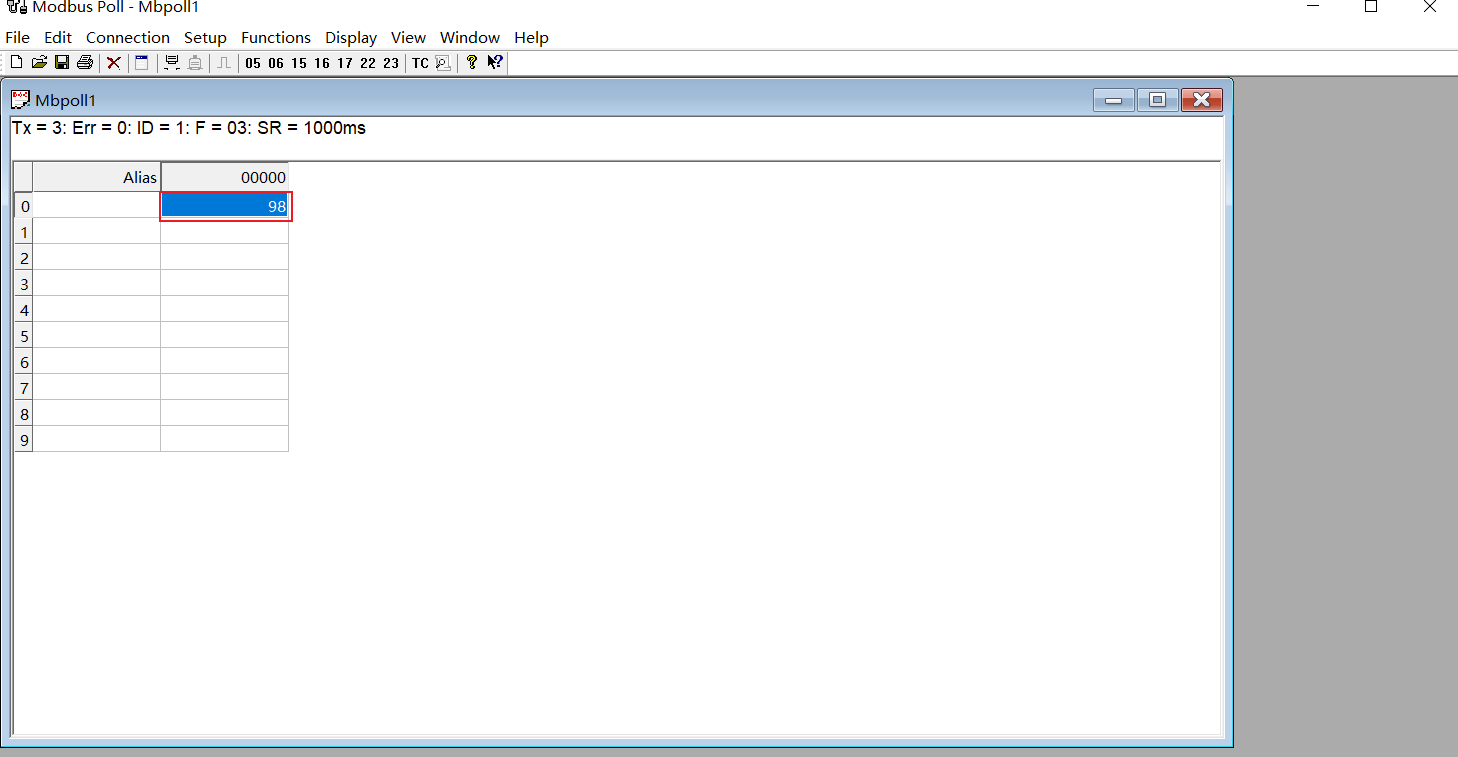
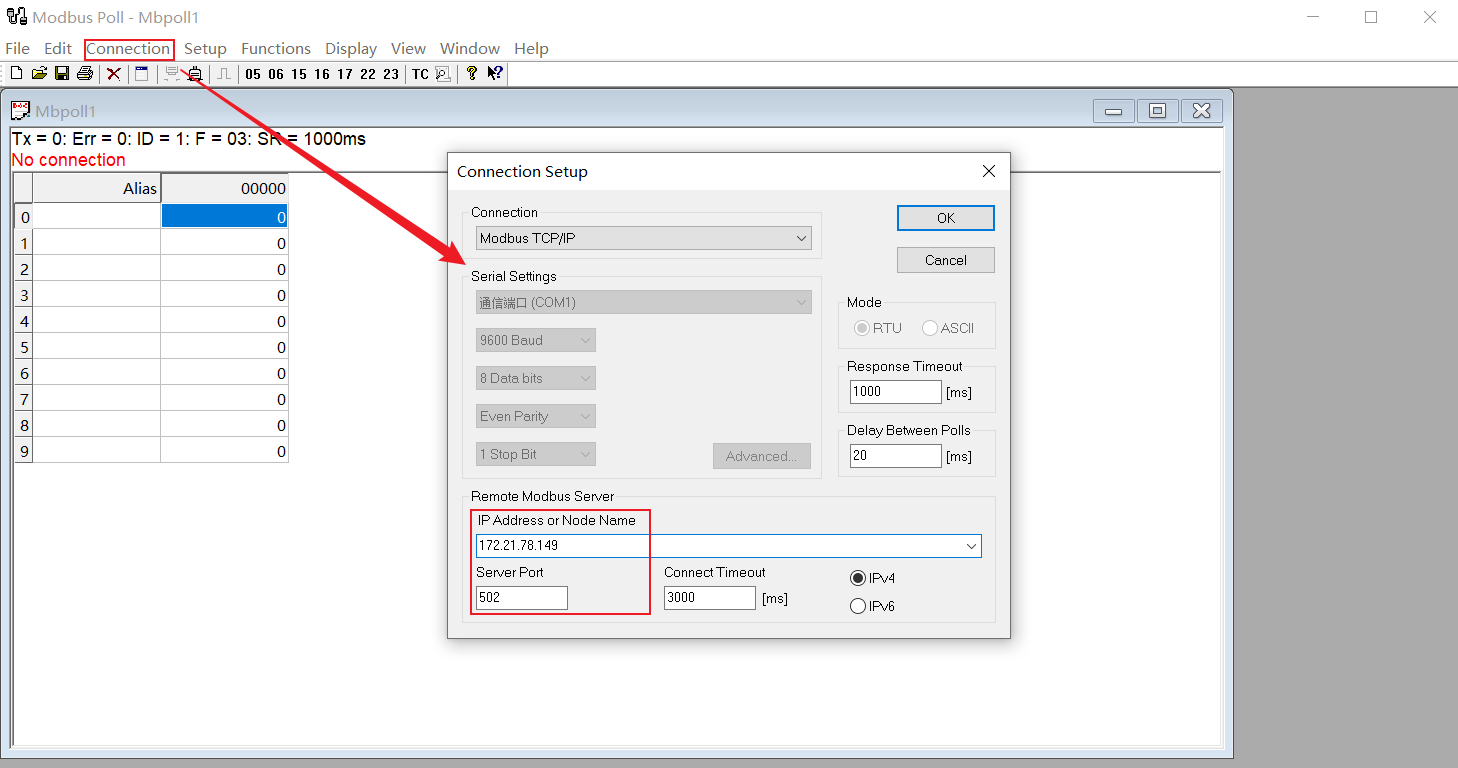
(3) Open Modbus Poll, select Connection → Connect…, enter parameters, and select OK.

(4) Select Setup → Read/Write Definition, enter parameters, and select OK.
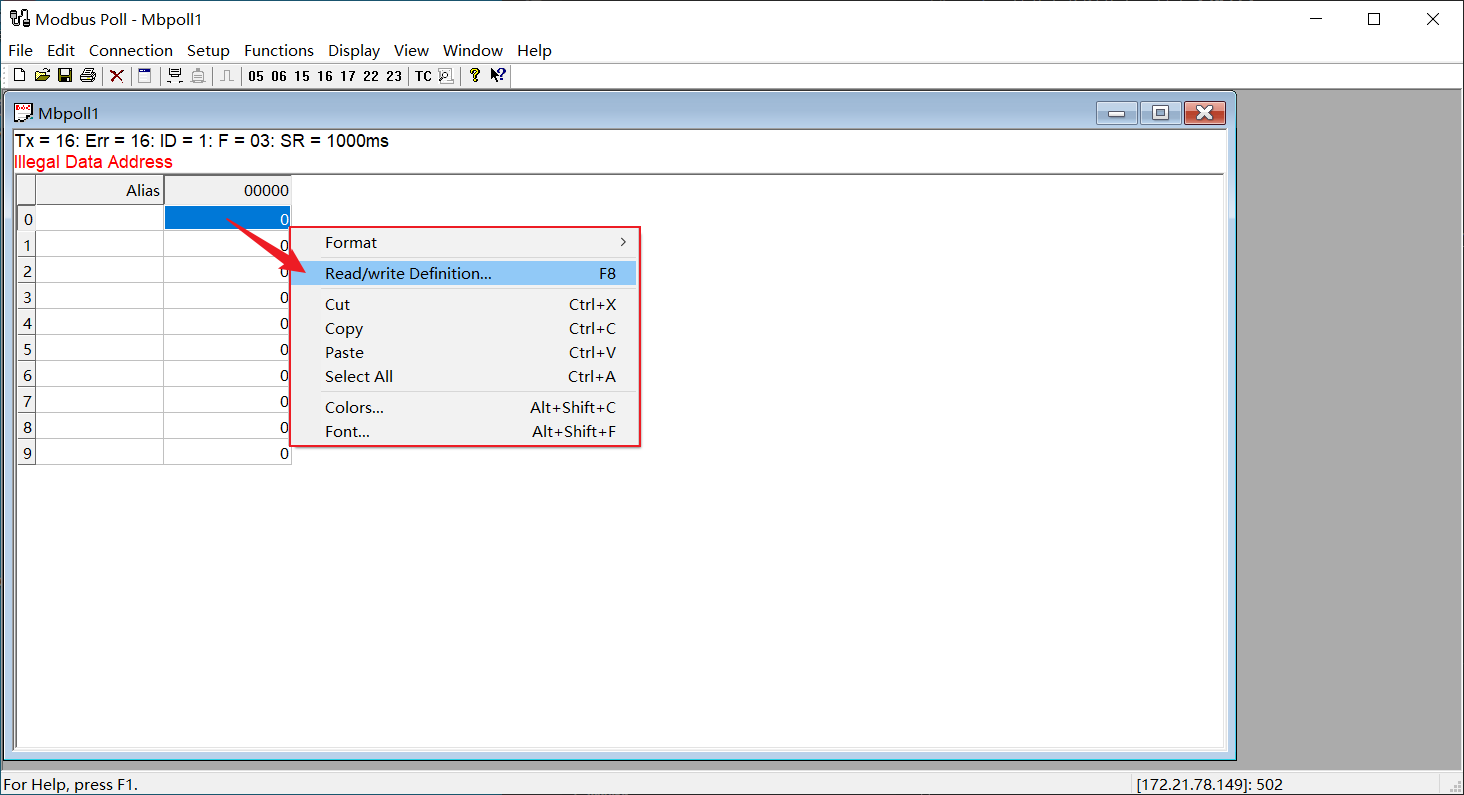
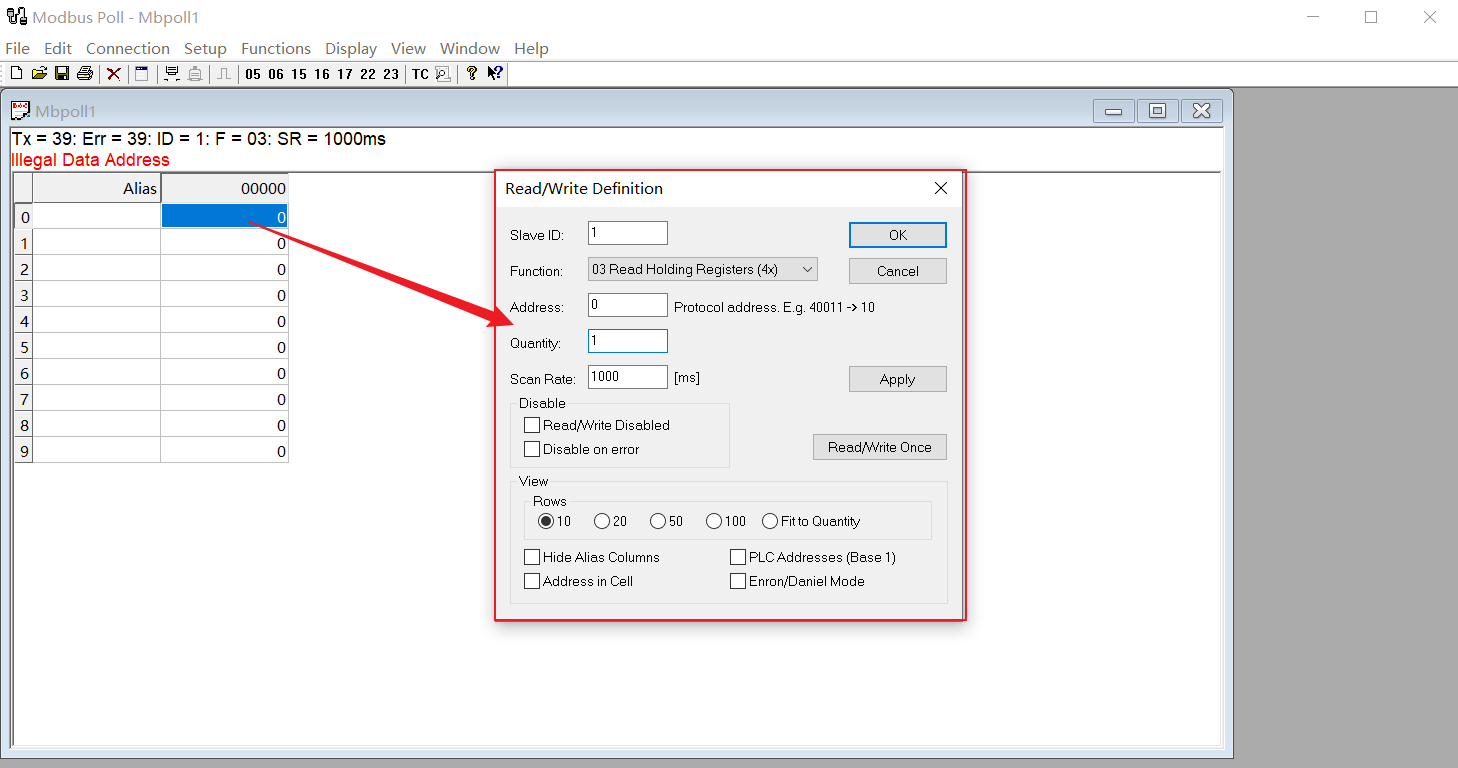
(5) View data simulated by the Modbus Data Center node.