Application deployment
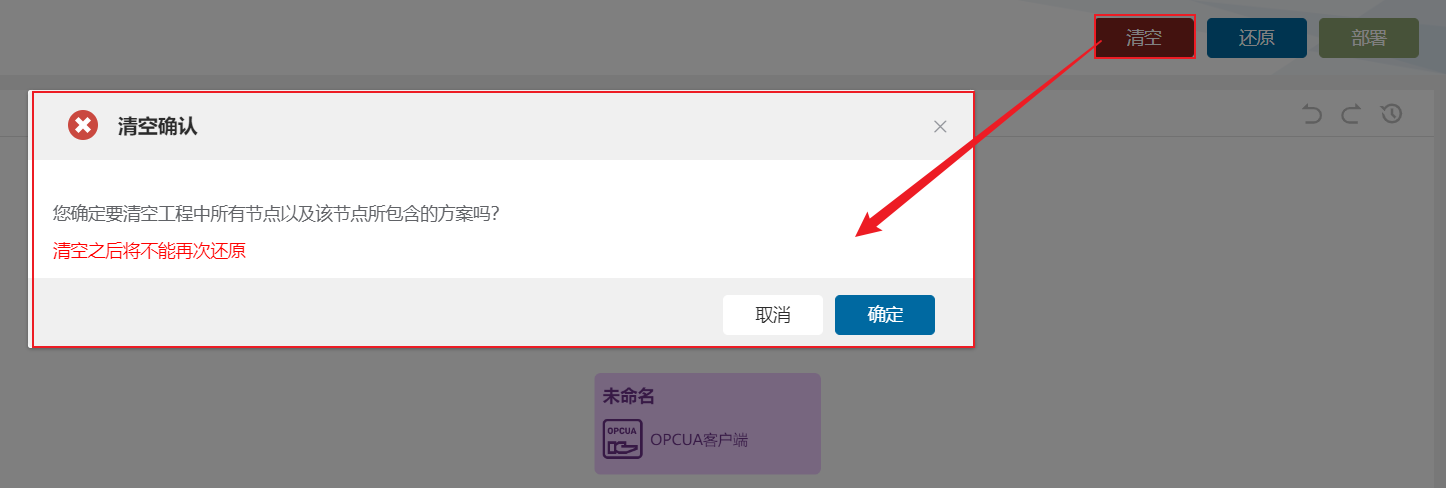
1. Deploy
Section titled “1. Deploy”Workspace configuration is cached in memory by default. Selecting Deploy writes the flow diagram configuration to the configuration file and activates it.

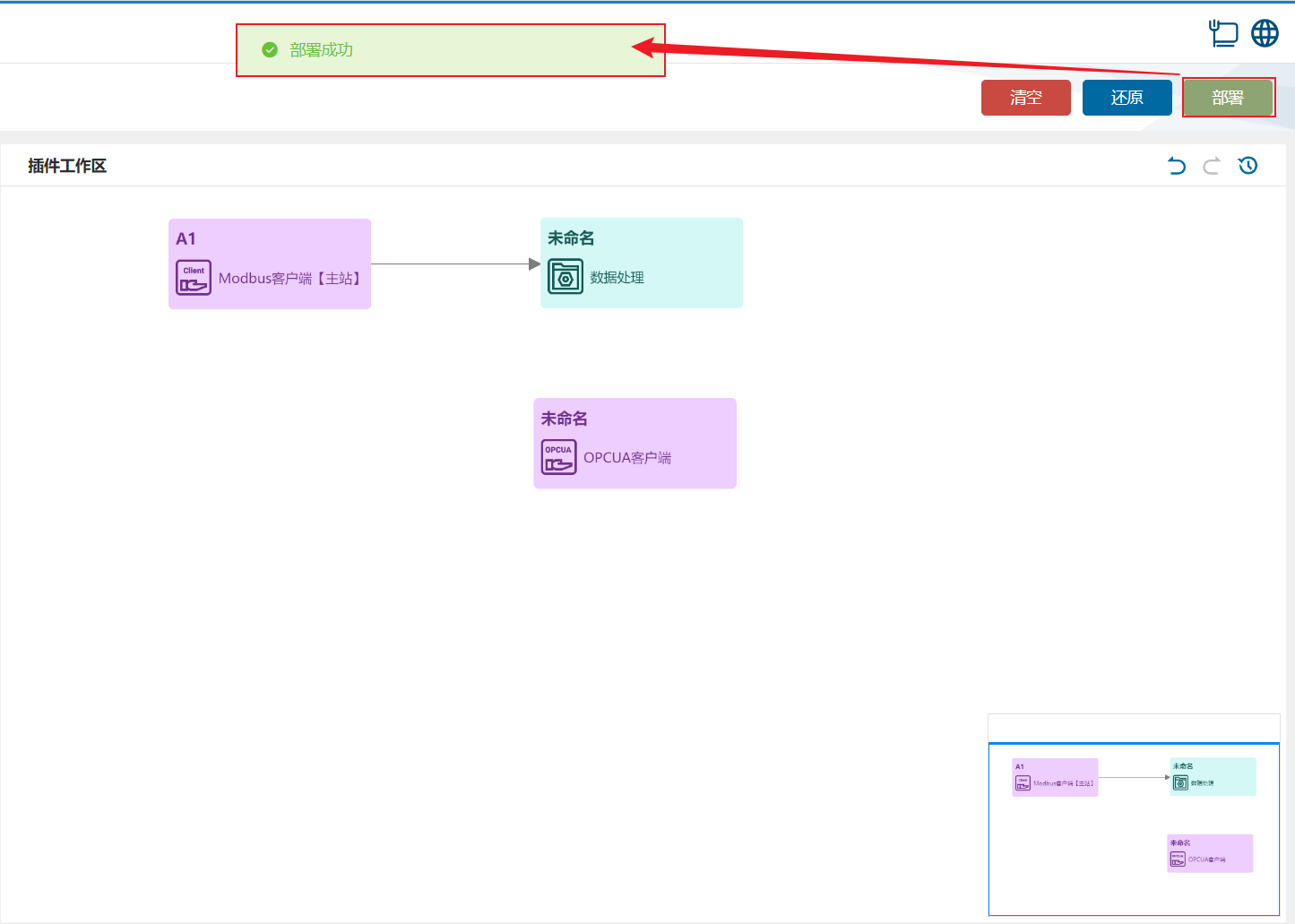
2. Restore
Section titled “2. Restore”Discard cached changes and restore the in-memory configuration to the last successfully deployed version.
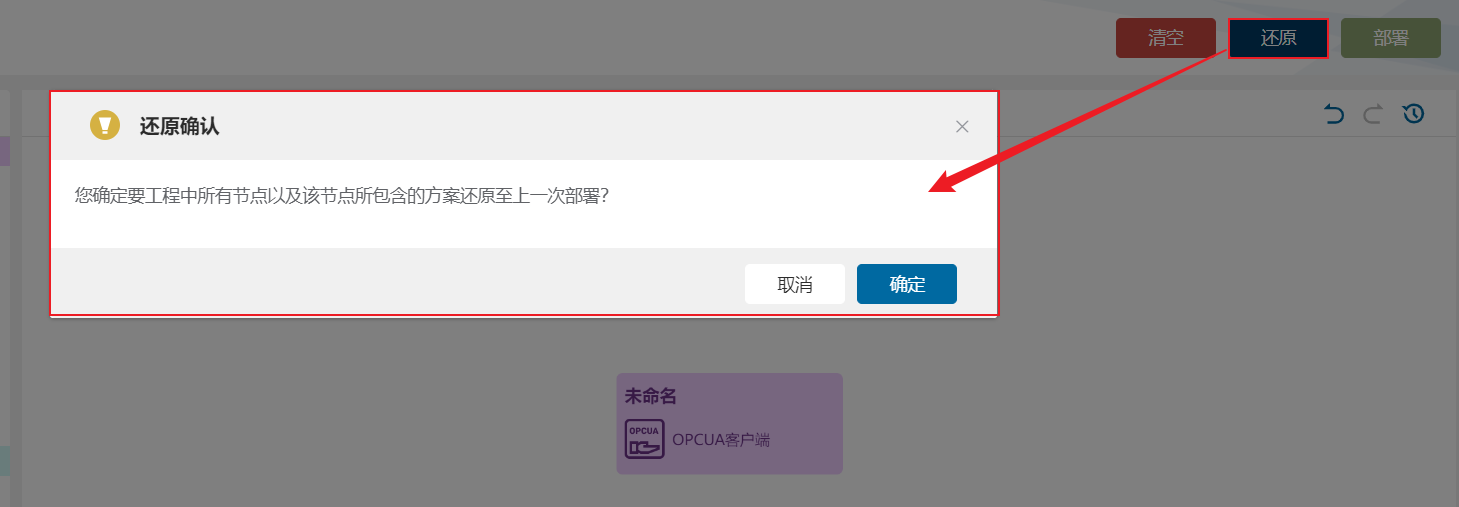
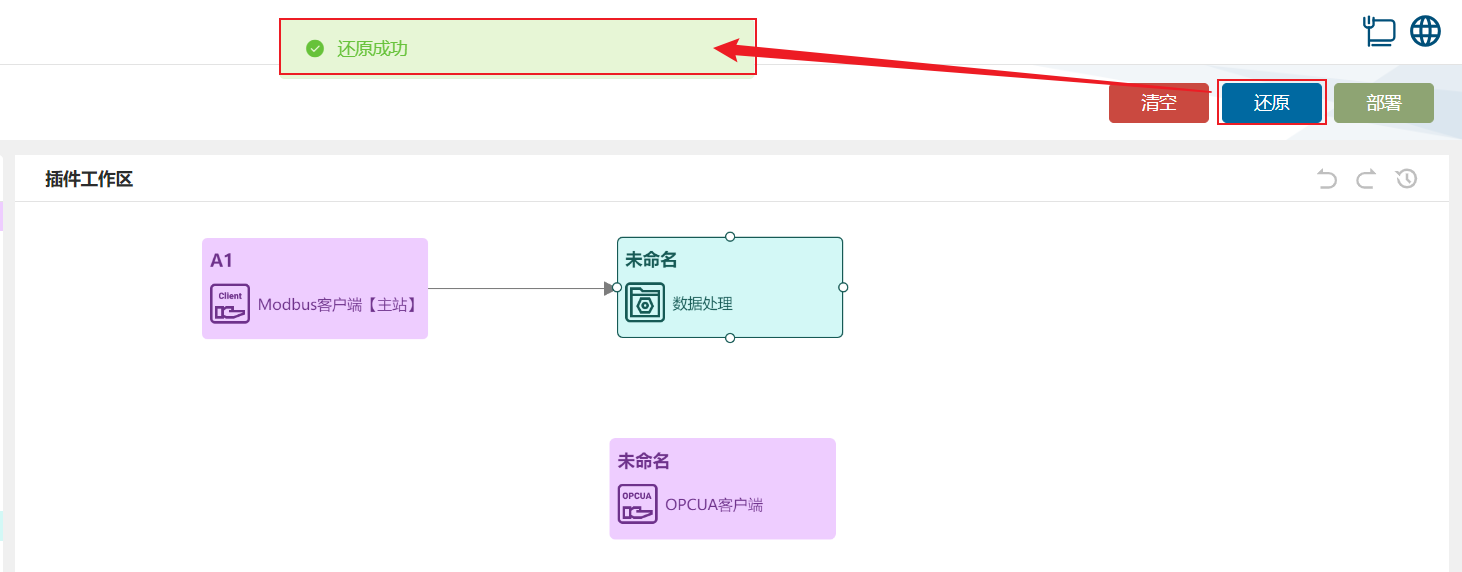
3. Clear
Section titled “3. Clear”Clear all configuration from memory and configuration files, leaving an empty workspace. This action cannot be restored to the previous configuration.