
DeviceOn Upload
Note:
- An upstream acquisition plugin is required, or acquisition configuration contains no data.
- After selecting a scheme, its state and contents cannot be changed in the corresponding acquisition node.
1. Create nodes
Section titled “1. Create nodes”(1) Open CommBridge Digital Twin and switch to Device Connectivity on the left.
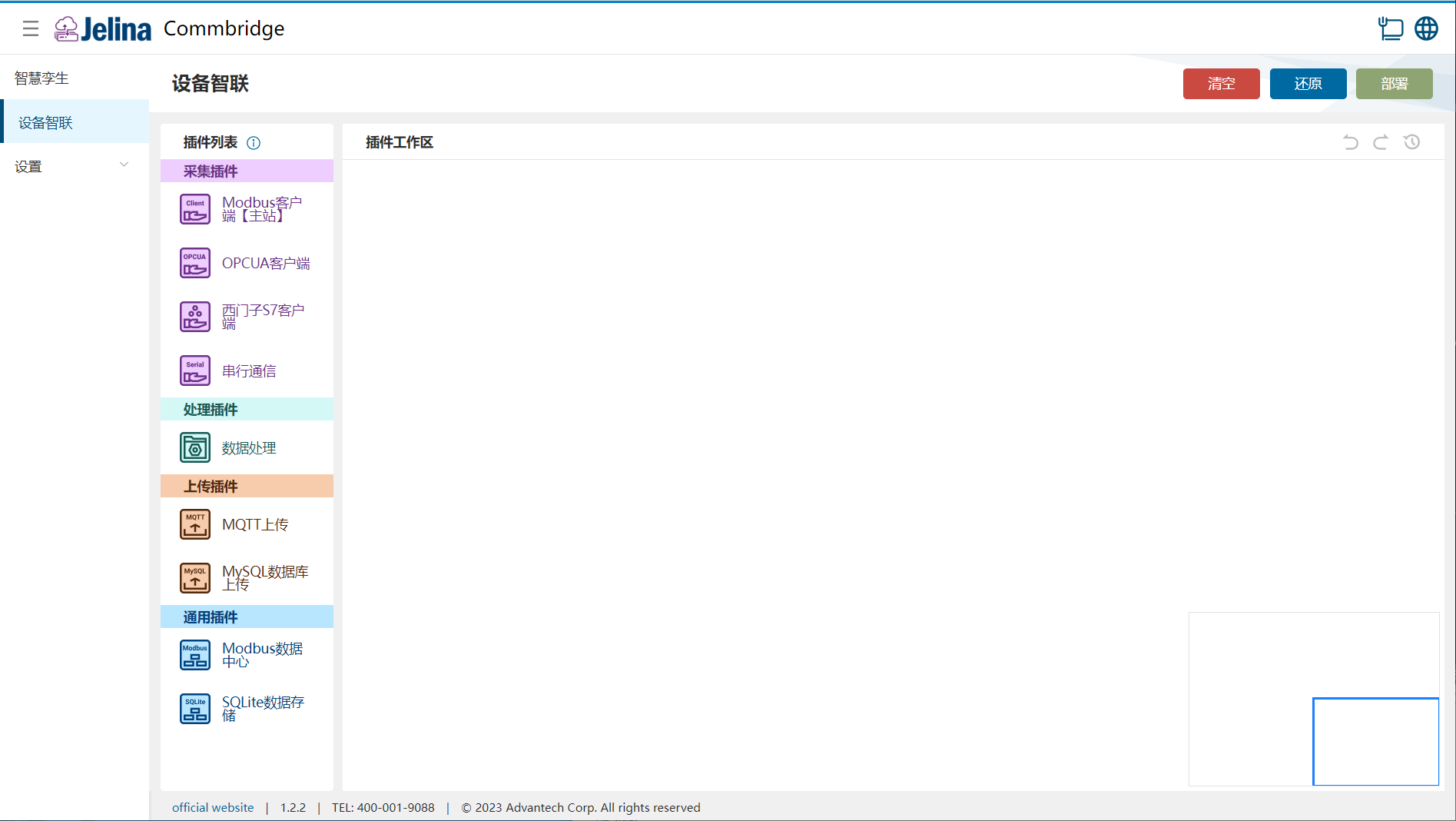
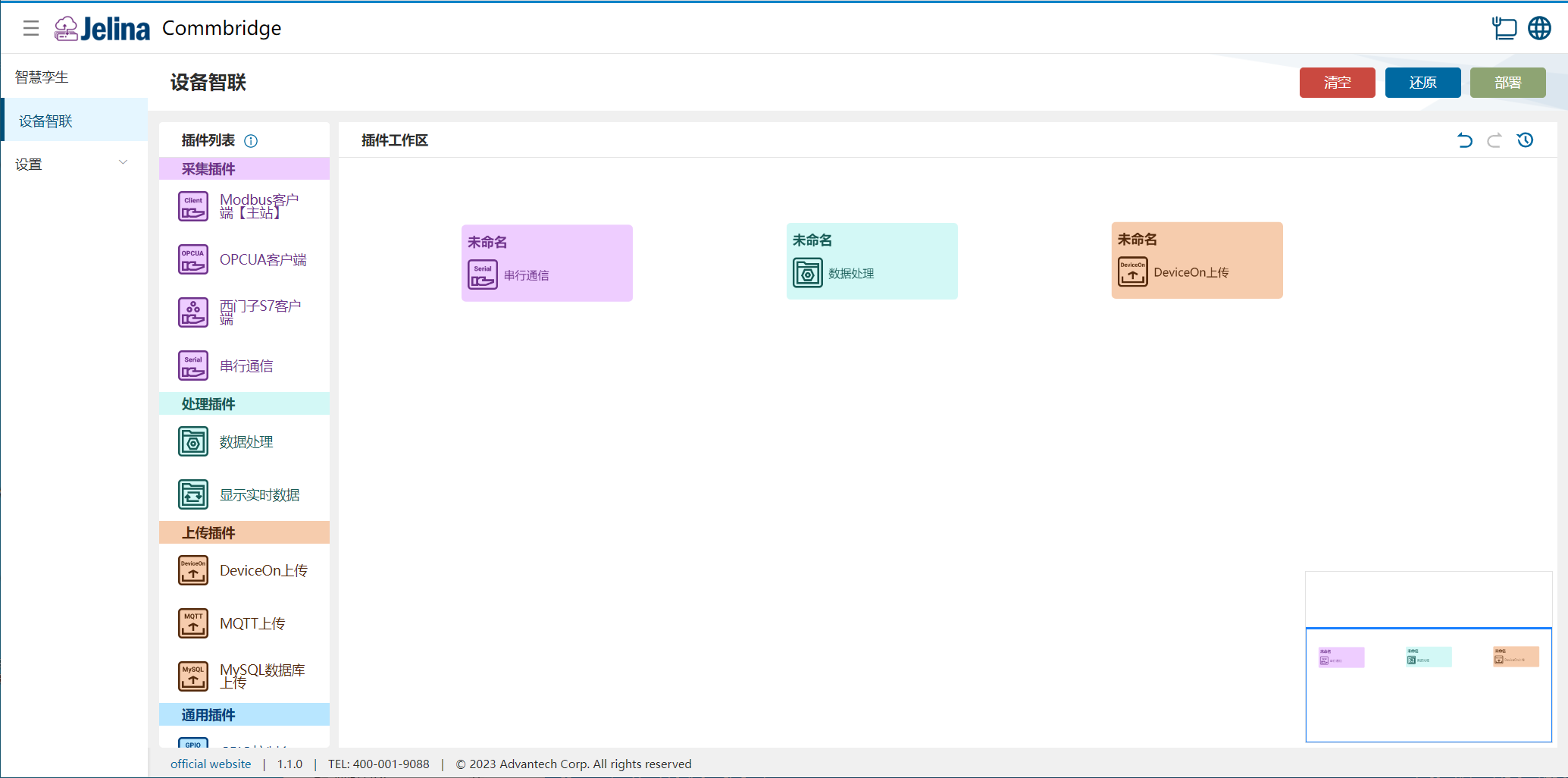
(2) Drag Serial Communication, Data Processing, and DeviceOn Upload into the workspace to create three nodes.
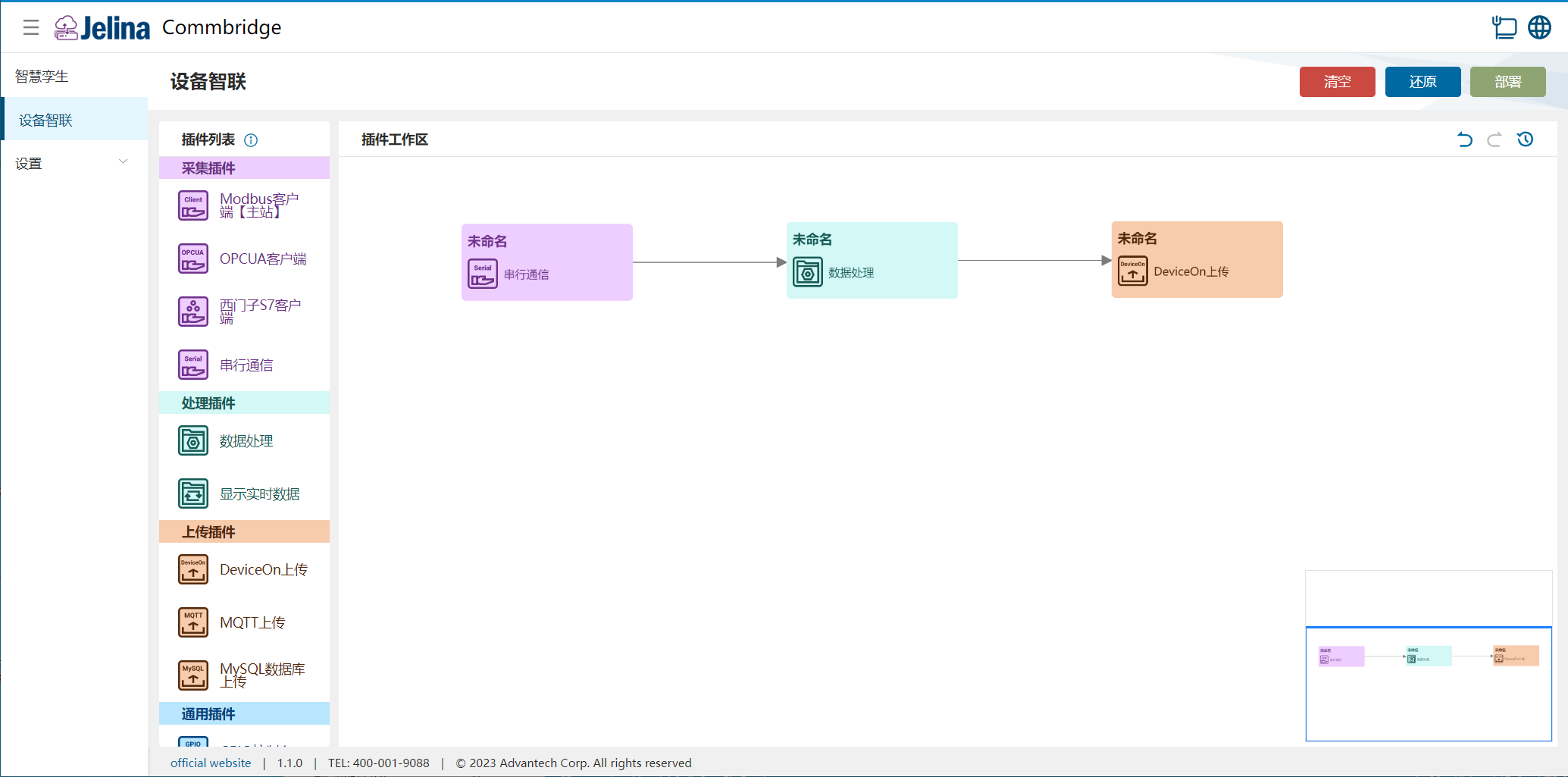
(3) Connect Serial Communication → Data Processing → DeviceOn Upload.
2. Create a scheme
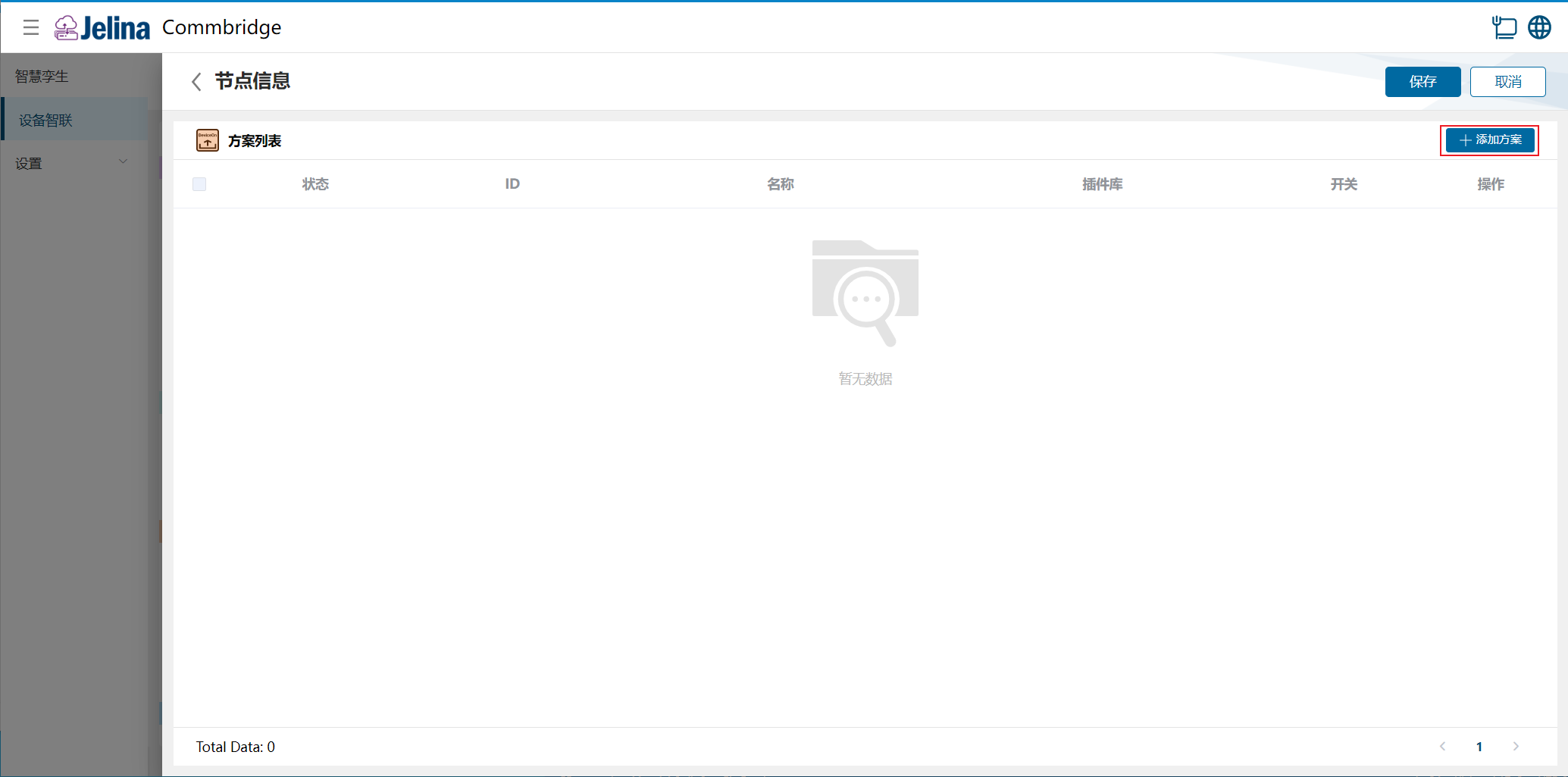
Section titled “2. Create a scheme”(1) Double-click DeviceOn Upload and select Add scheme.
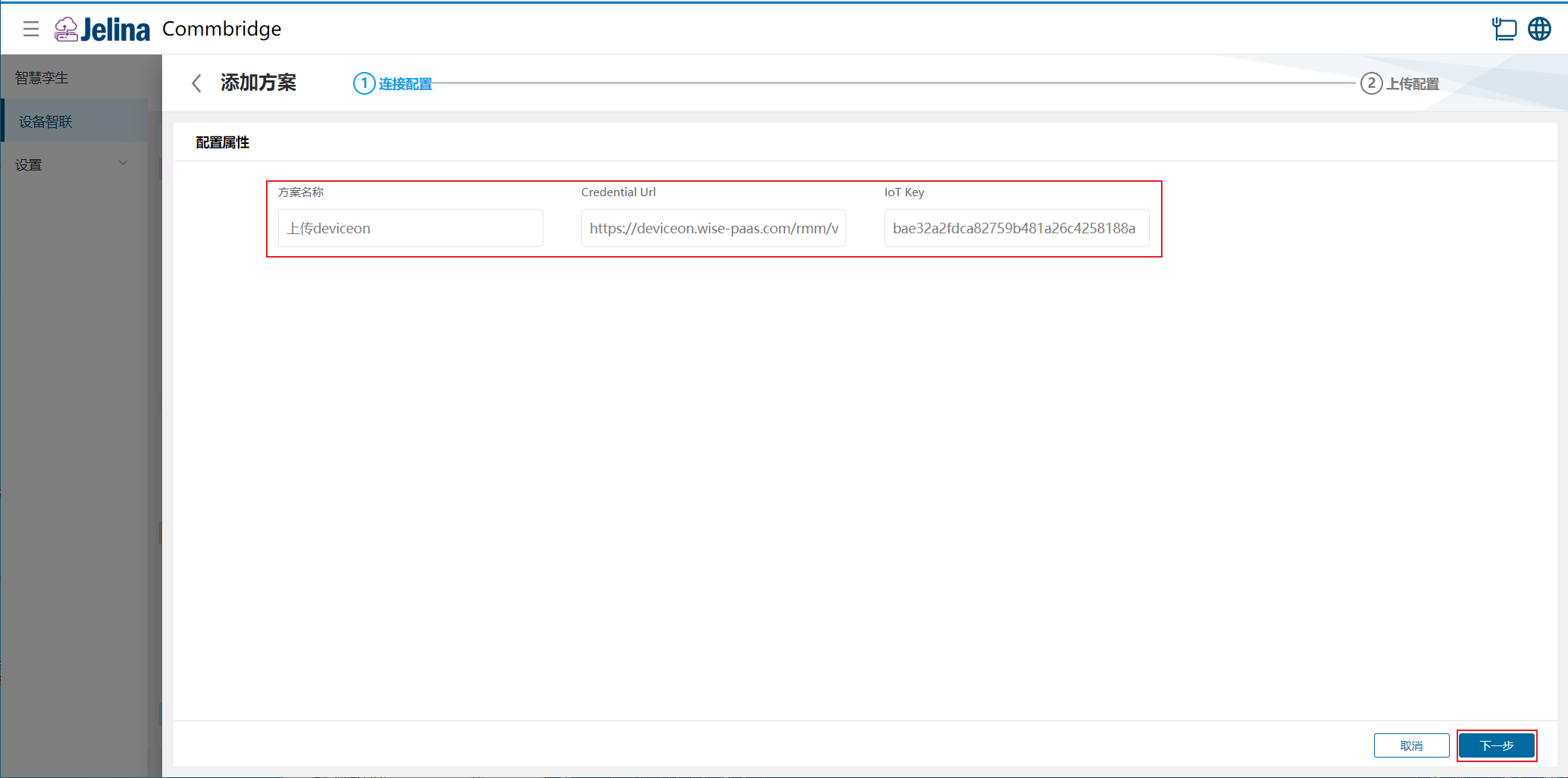
(2) Enter connection settings and select Next.
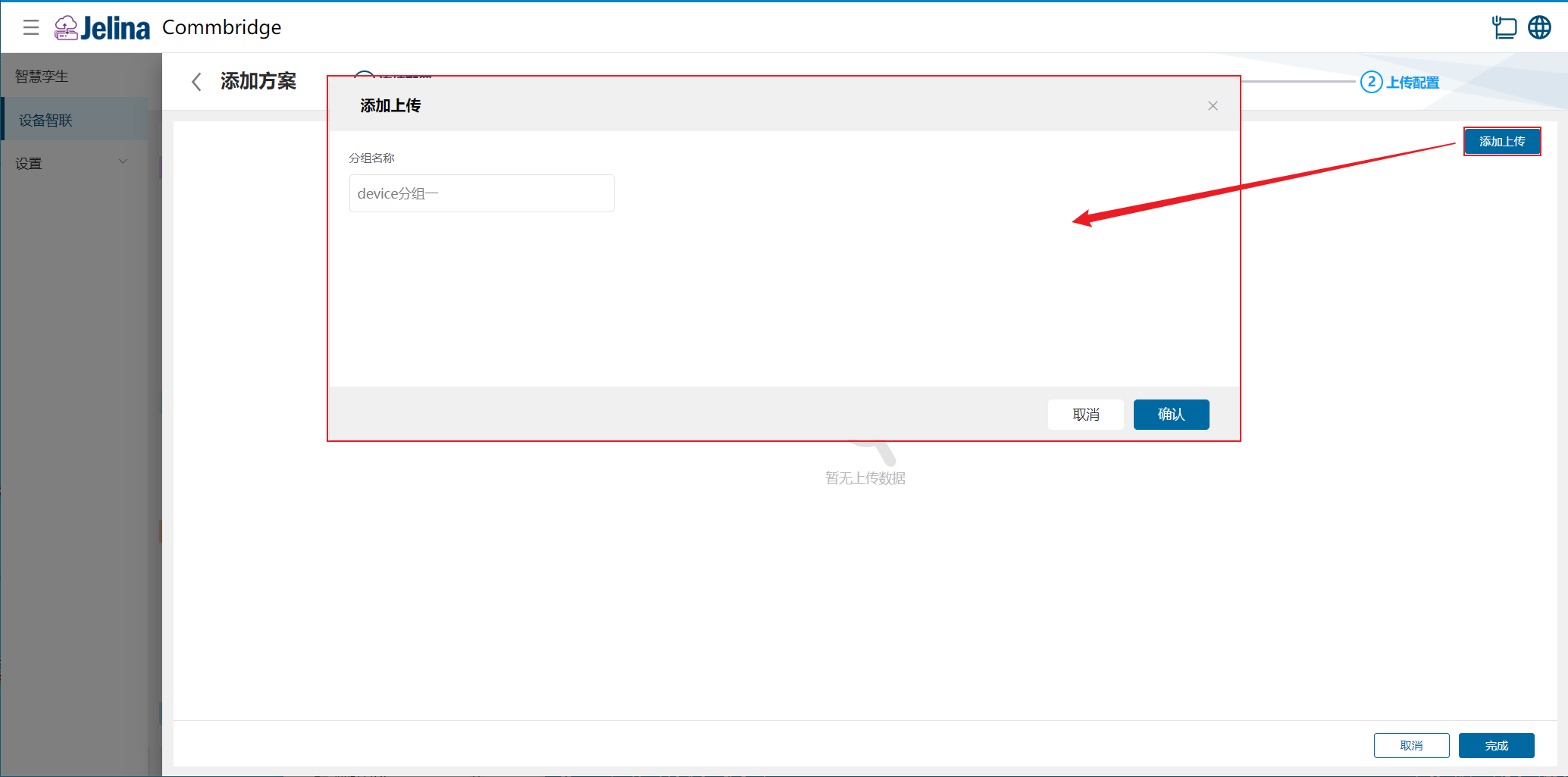
(3) Select Add group, enter group information, and confirm.
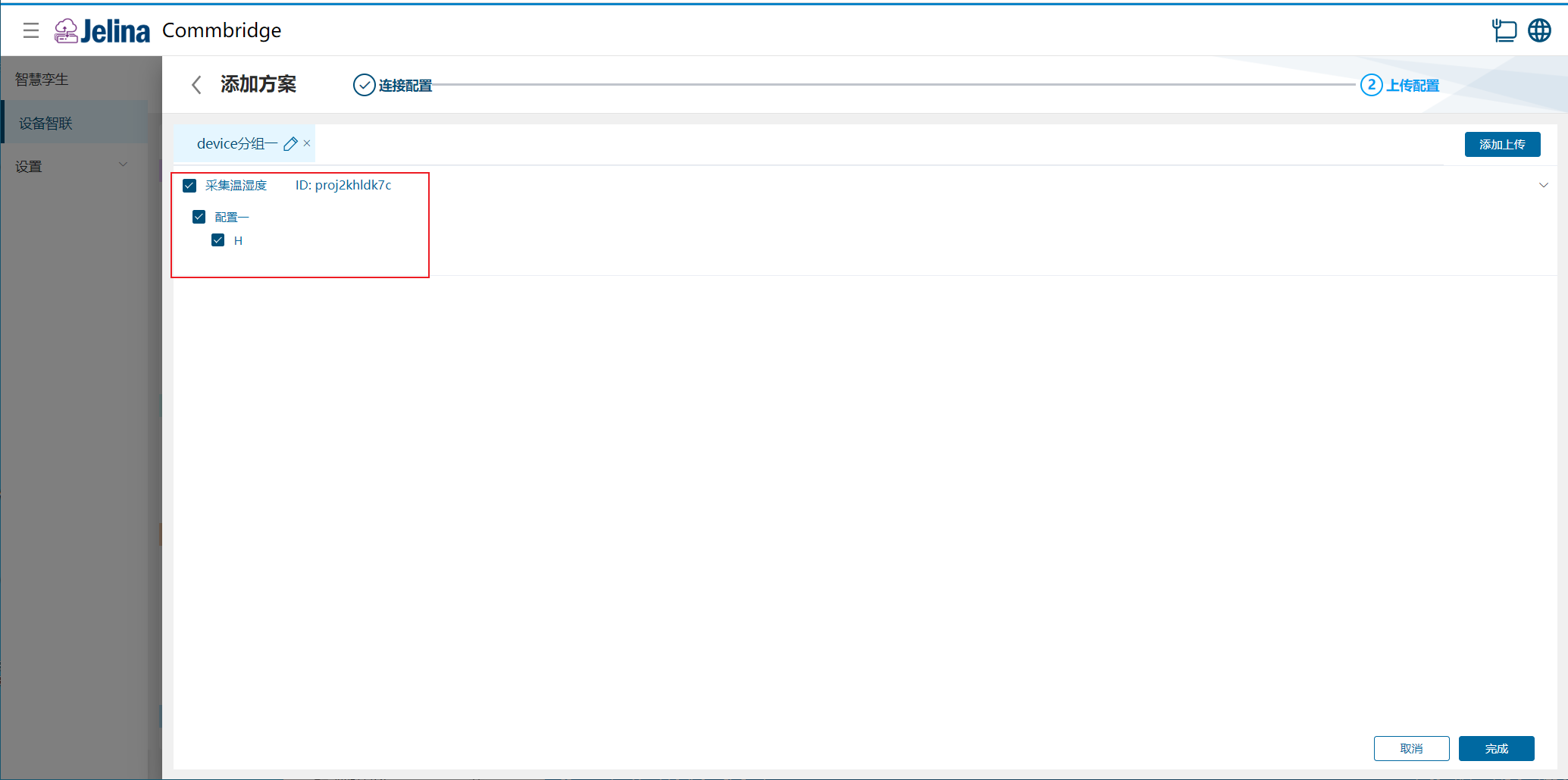
(4) Select data to upload and confirm.
(5) Select Finish to add the acquisition scheme.
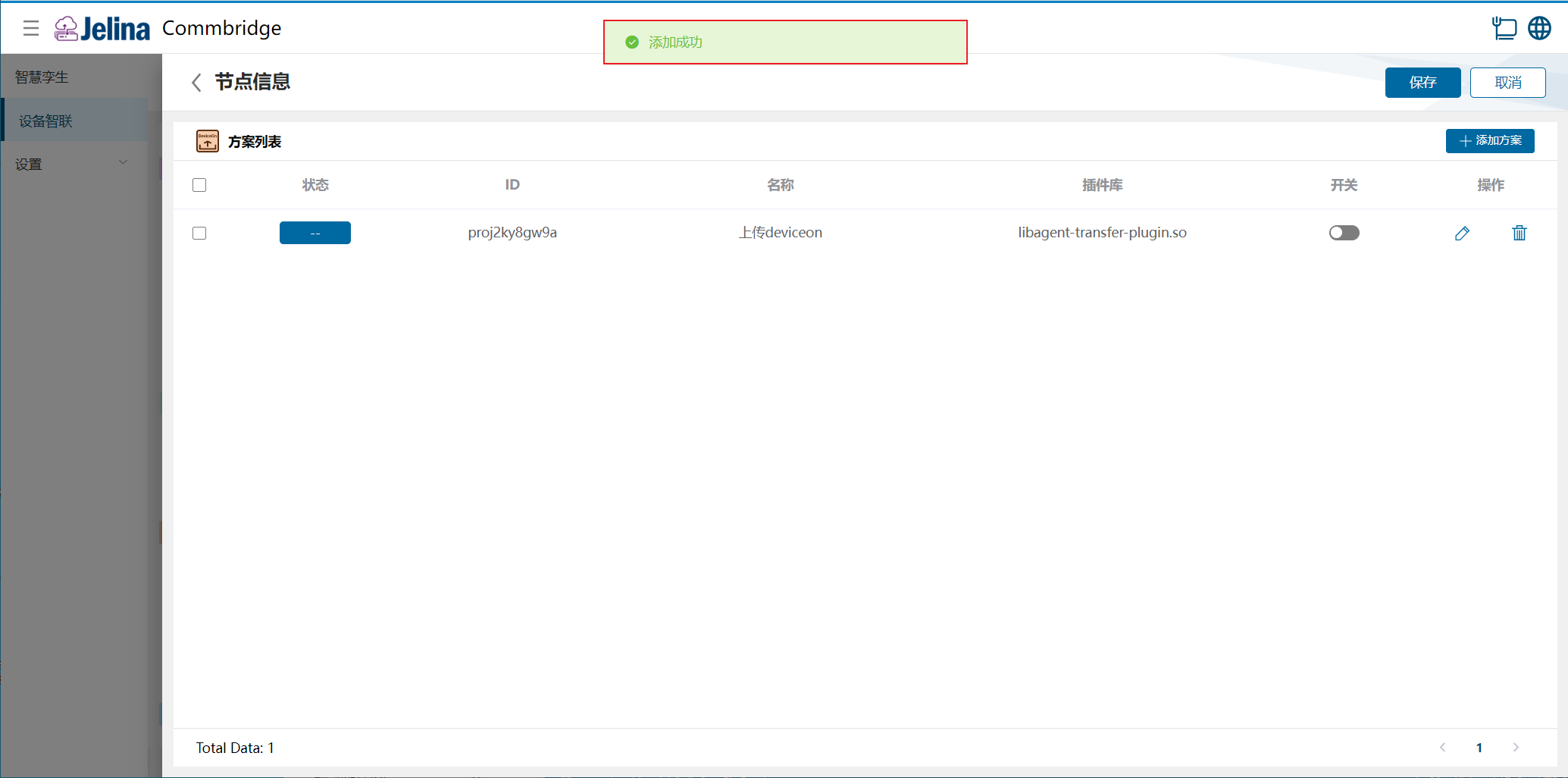
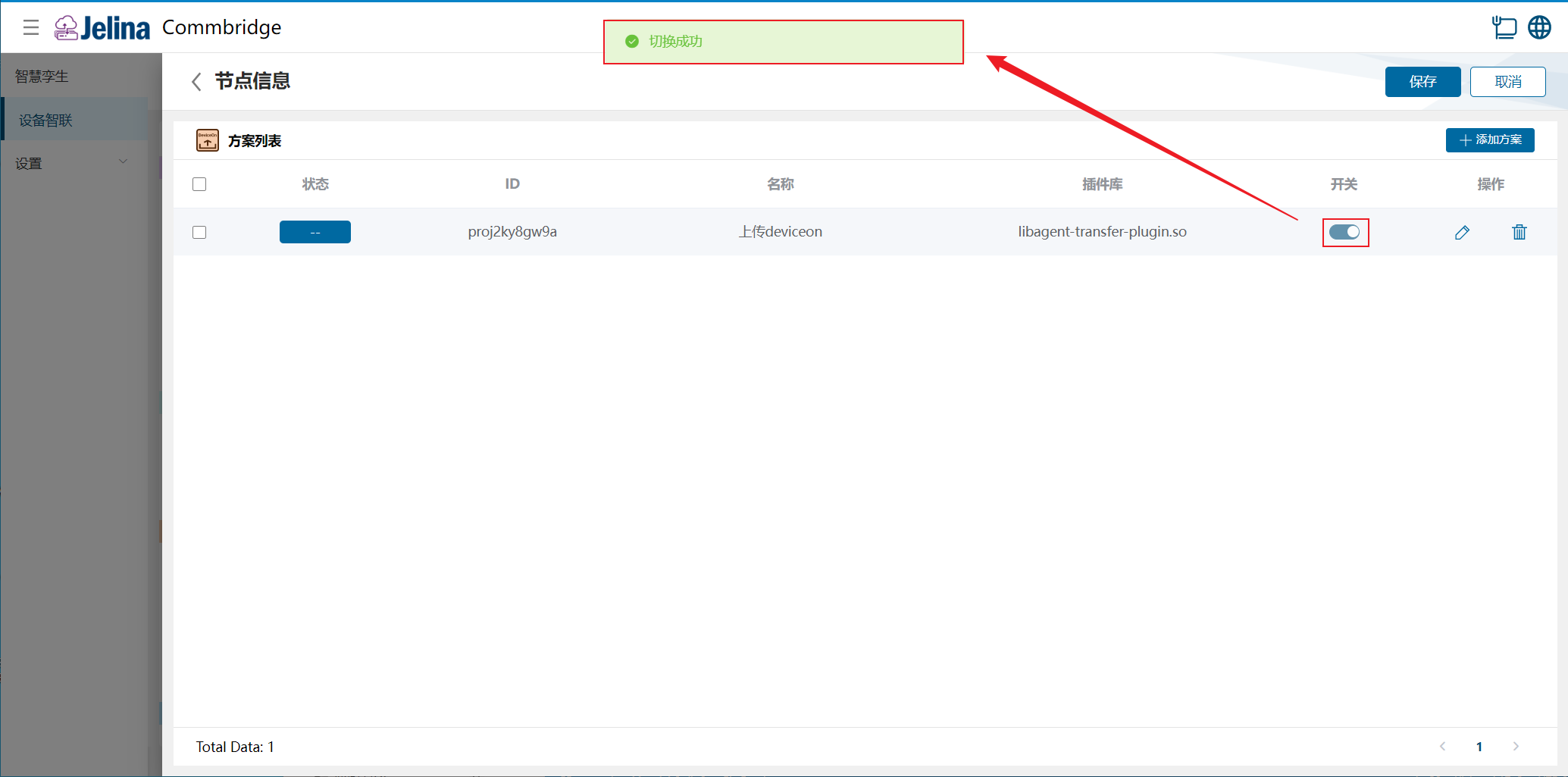
(6) Enable the scheme and select Save.
3. View results
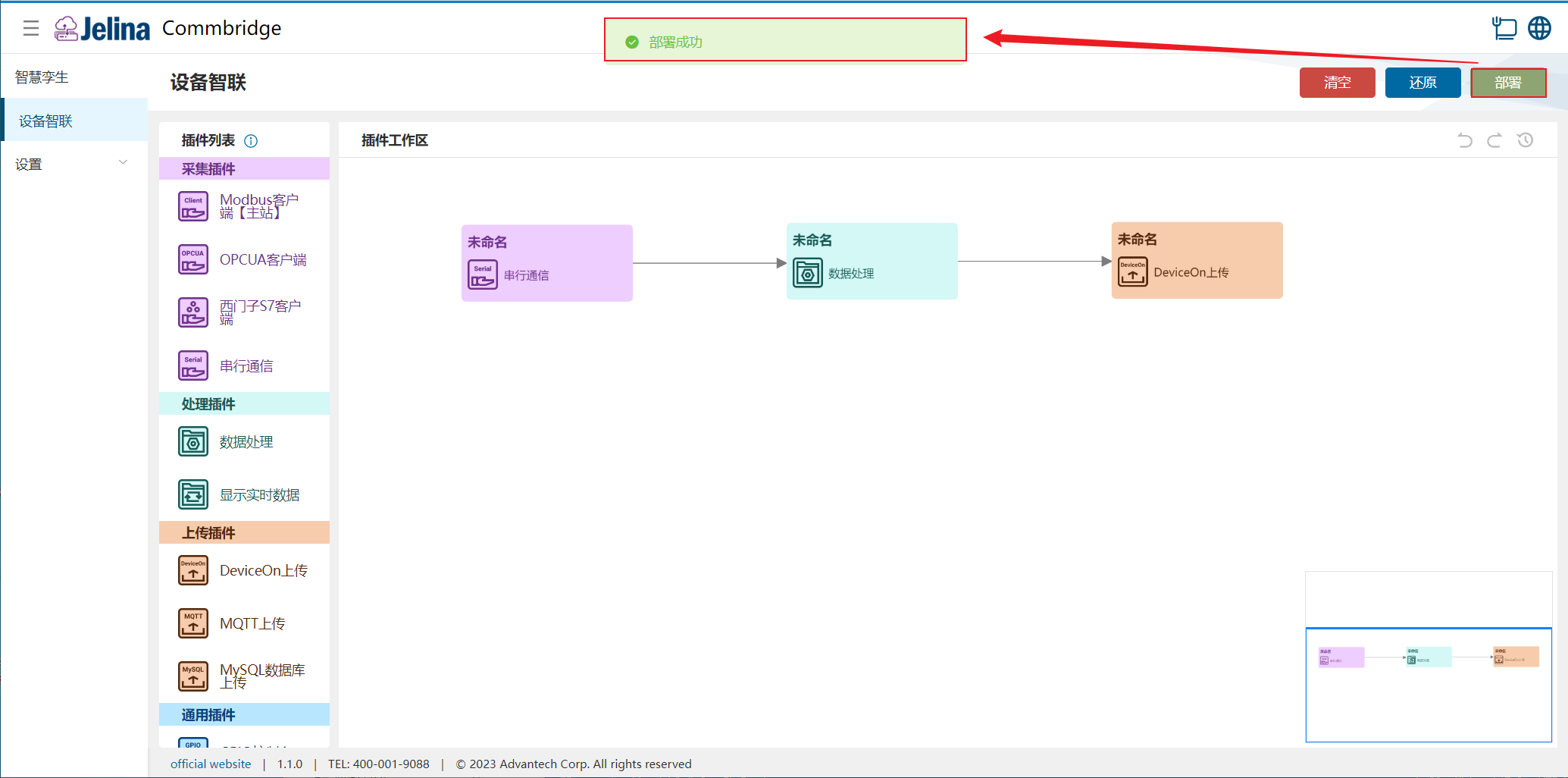
Section titled “3. View results”(1) Select Deploy under Device Connectivity and wait for success.
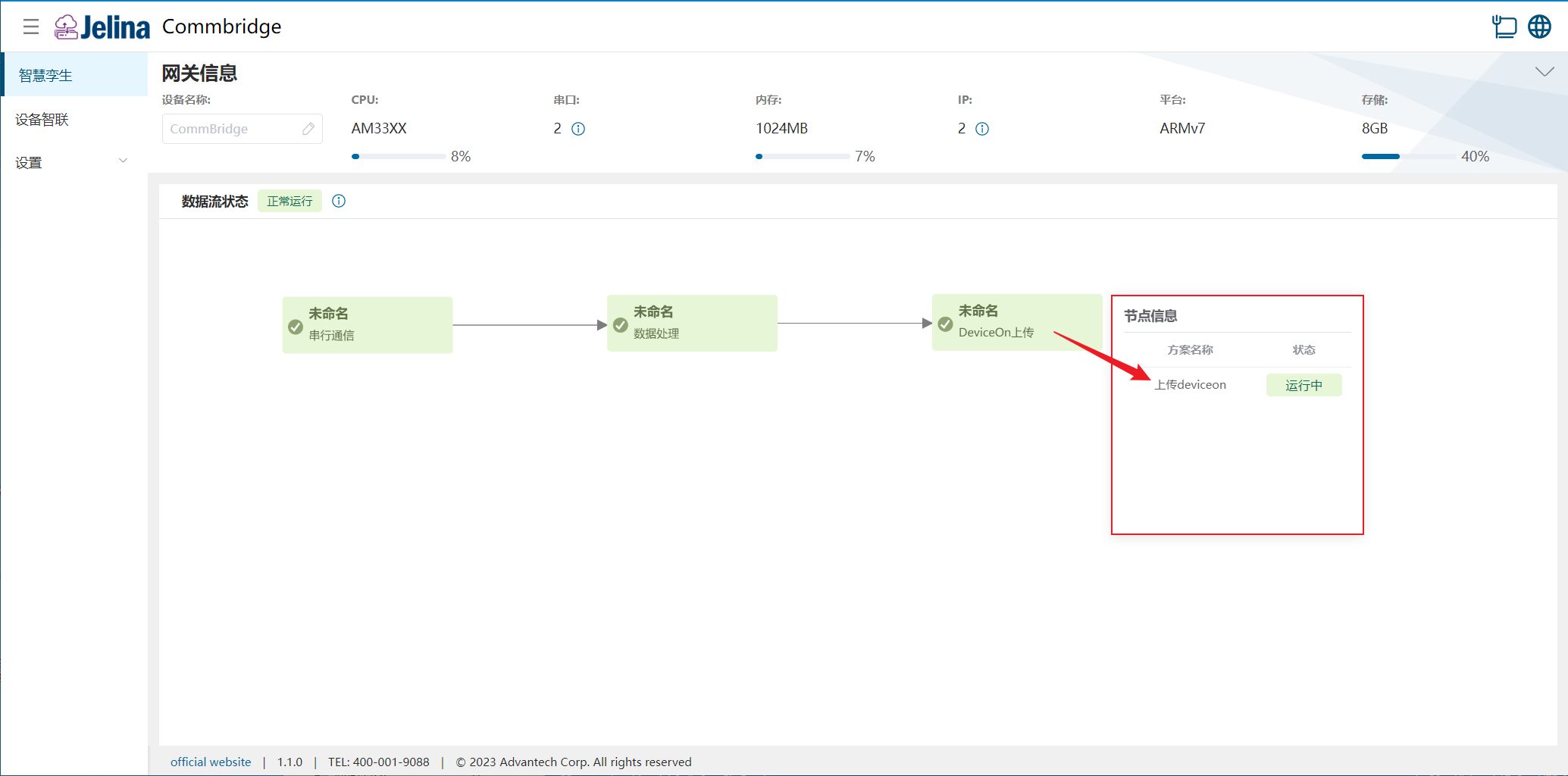
(2) Switch to Digital Twin and hover over DeviceOn Upload to view node information.
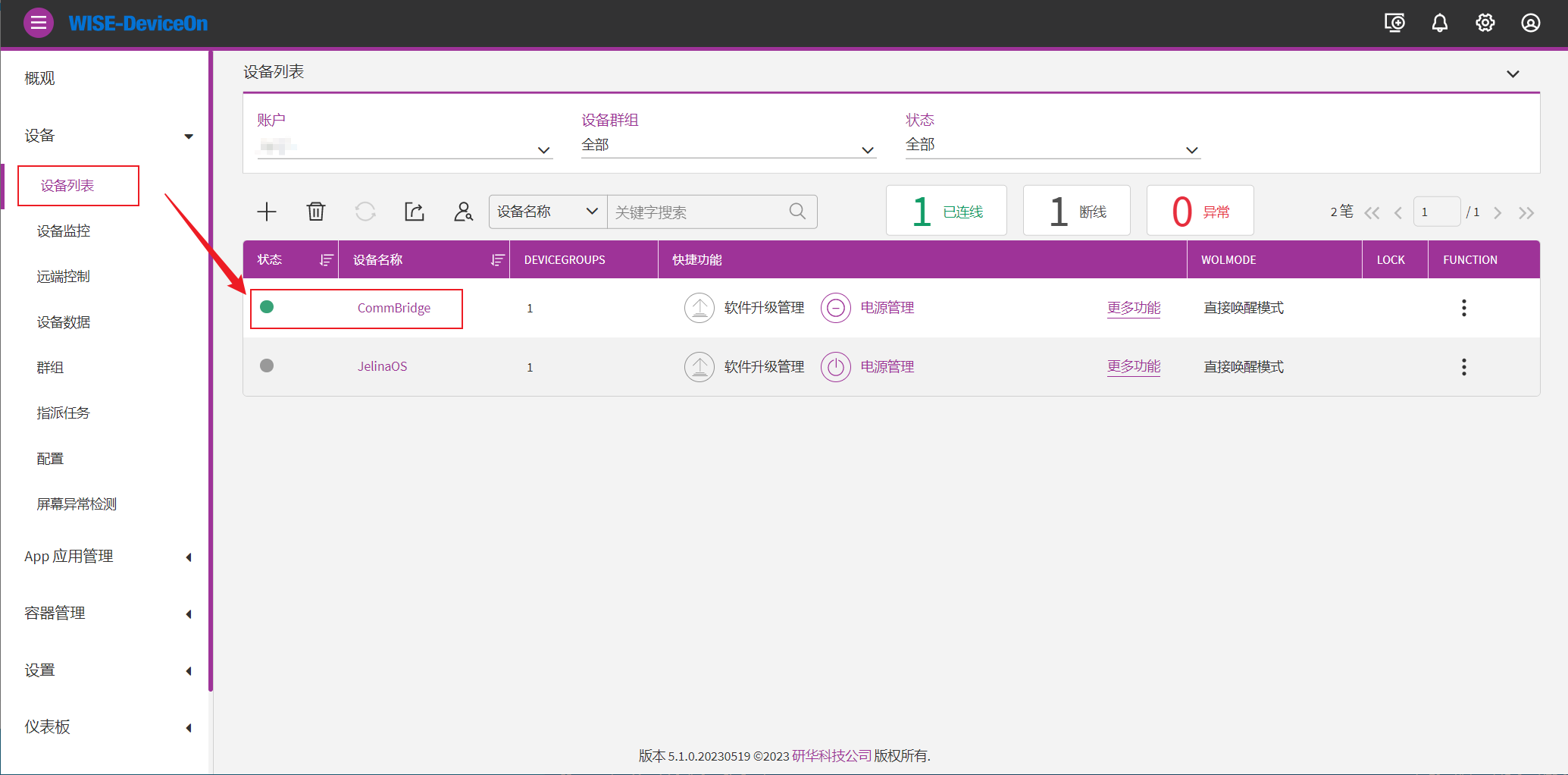
(3) Sign in to DeviceOn and select Device list.
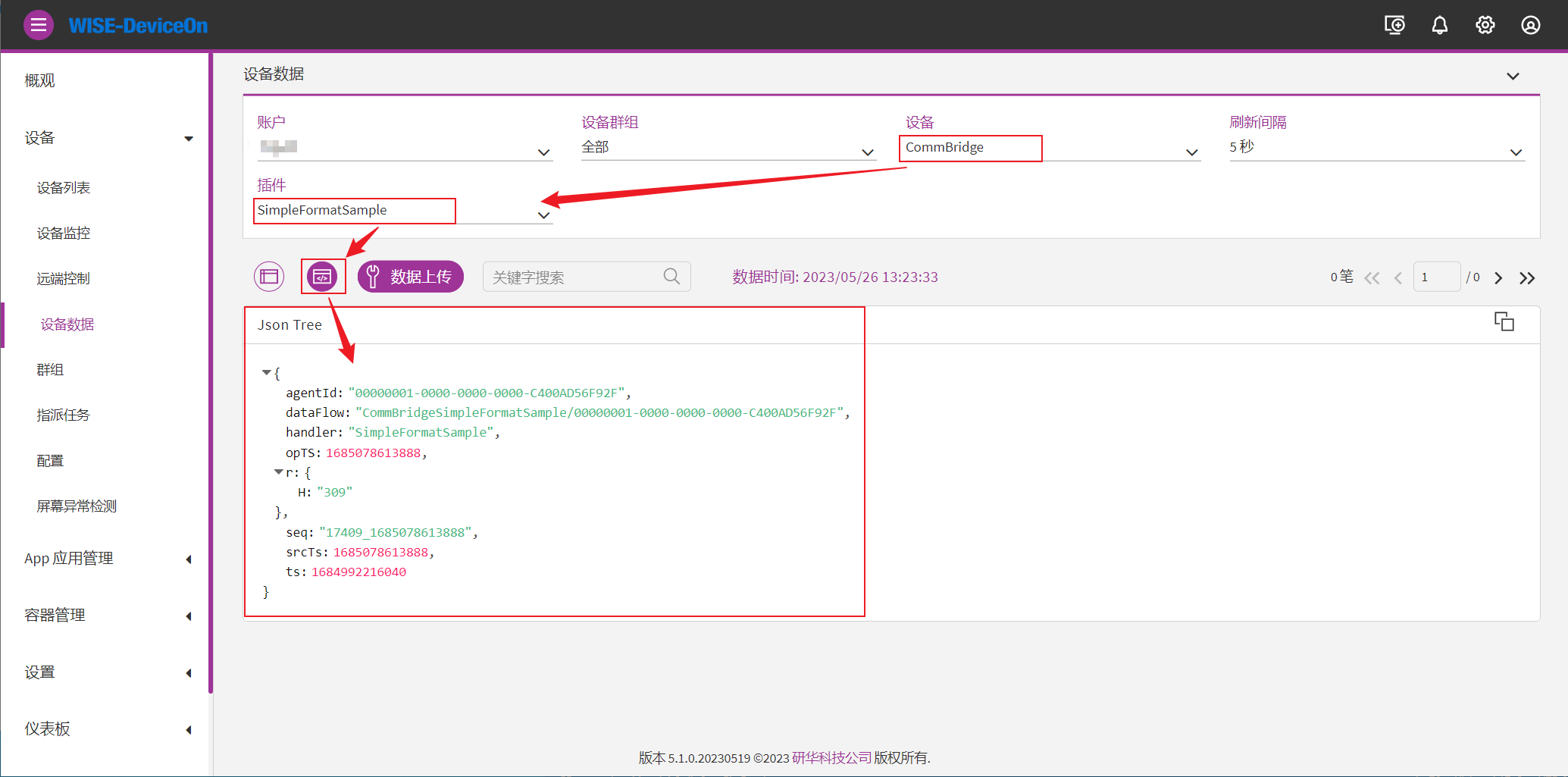
(4) Select Device data on the left, select plugin SimpleFormatSample, and select JSON mode.
4. Configuration reference
Section titled “4. Configuration reference”Connection settings
Section titled “Connection settings”| Parameter | Description | Format | Example |
|---|---|---|---|
| Scheme name | User-defined scheme name | Nonempty | DeviceOn upload |
| Credentail Url | DeviceOn device connection information URL | Nonempty | https://deviceon.wise-paas.com/rmm/v1/iothub/credential |
| IoT key | DeviceOn IoT private key, updated periodically | Nonempty | 51c22e380d5accc6c4f39528f5482a67 |
Add groups
Section titled “Add groups”| Parameter | Description | Format | Example |
|---|---|---|---|
| Group name | User-defined group name | Nonempty | DeviceOn group 1 |
Select data
Section titled “Select data”Select schemes configured in upstream acquisition data. Only selected schemes can upload to the DeviceOn server.