SQLite Data Storage
(1) This plugin requires no detailed data configuration.
(2) It stores all upstream data in a SQLite database.
1. Configure a scheme
Section titled “1. Configure a scheme”(1) Drag Modbus Client (Master) into the workspace, double-click it, and select Add scheme.
(2) Configure points according to Modbus TCP acquisition.
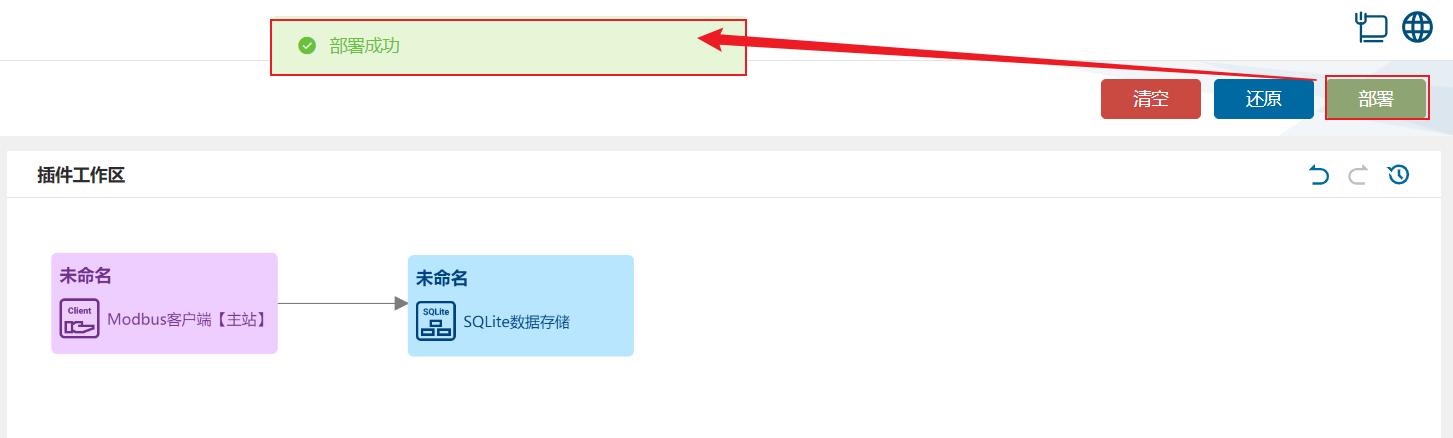
(3) Drag SQLite Data Storage into the workspace and connect the two nodes.
2. View results
Section titled “2. View results”(1) Select Deploy under Device Connectivity and wait for success.
(2) Copy the device database to your computer with:
scp root@172.21.78.196:/app/Core/data/dbFiles/commbridge.db commbridge-1.db
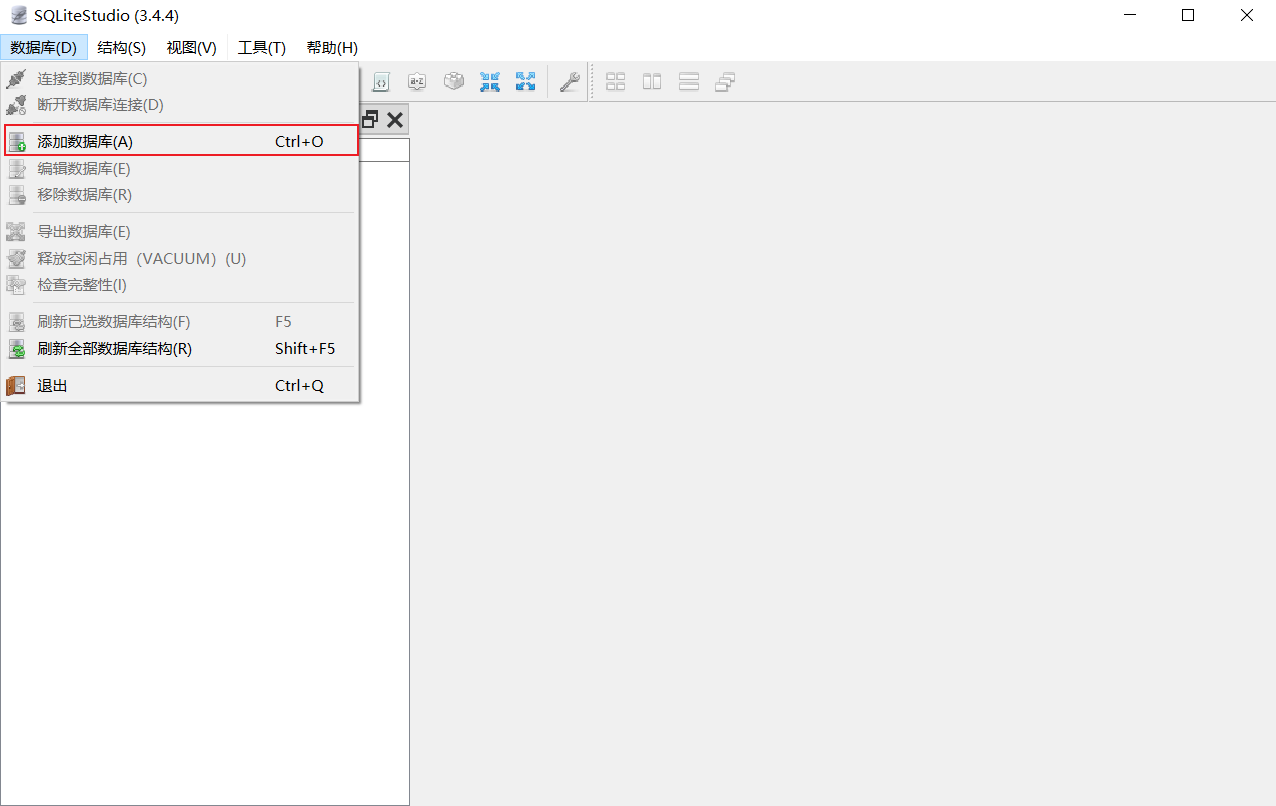
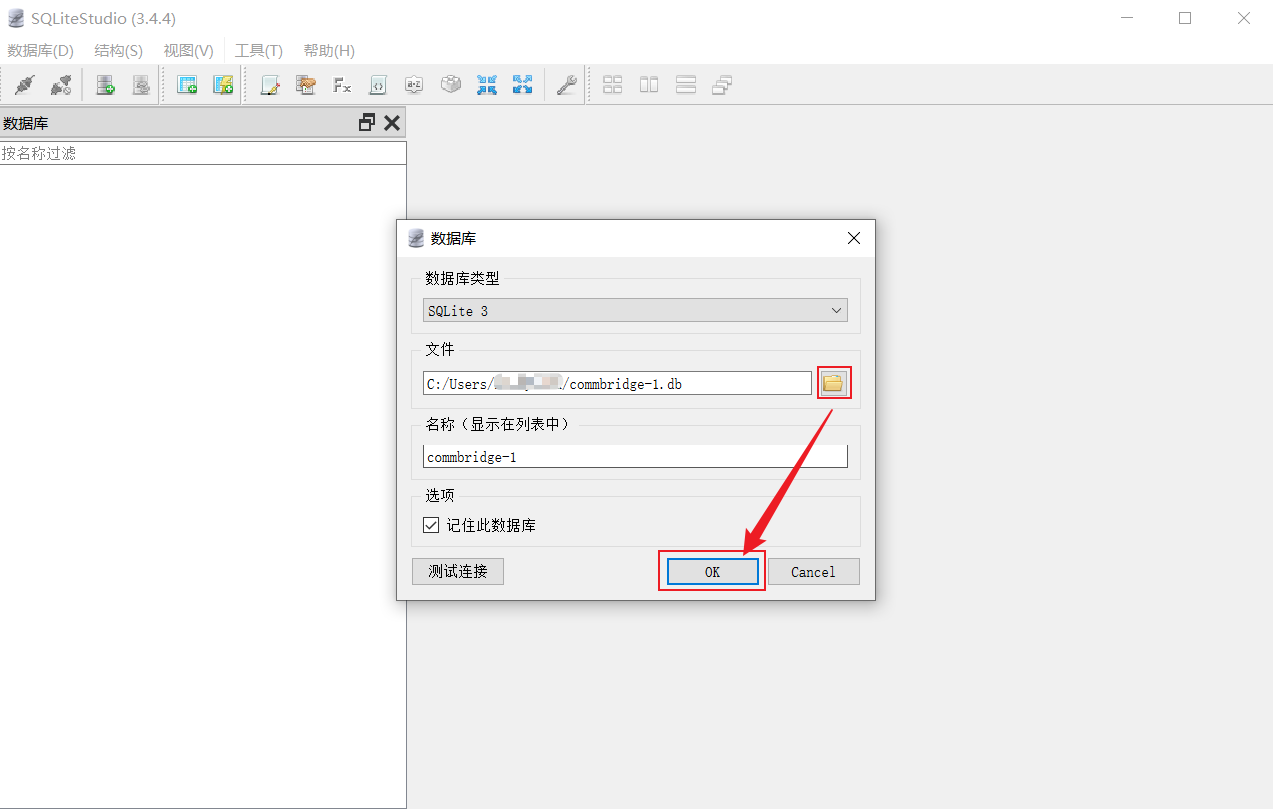
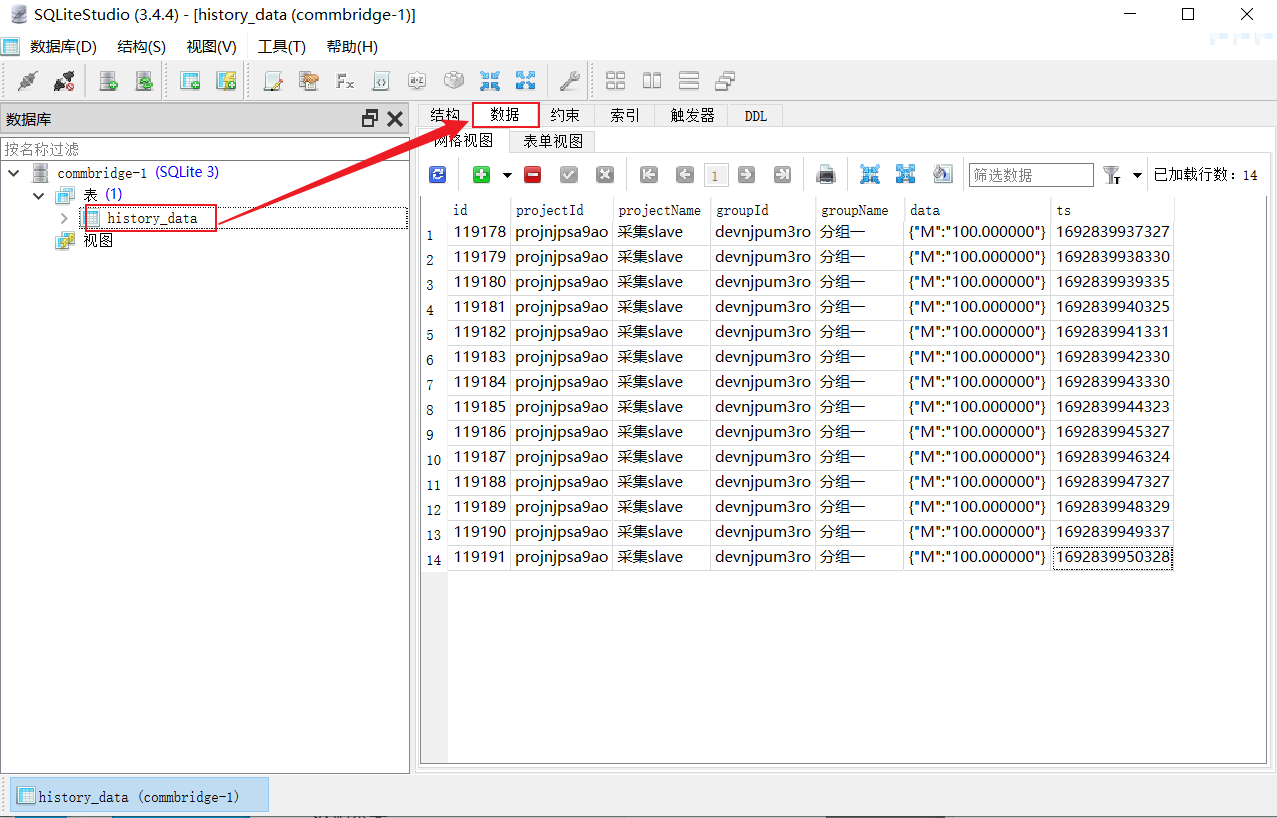
(3) Open commbridge-1.db in SQLiteStudio.